


product promo video AI: Turn a Photo or Clip into Music‑Synced Promo Videos
Learn how to convert a single product photo or audio clip into music‑synced promo videos using image‑to‑video and GoCrazyAI AI Video Generator.
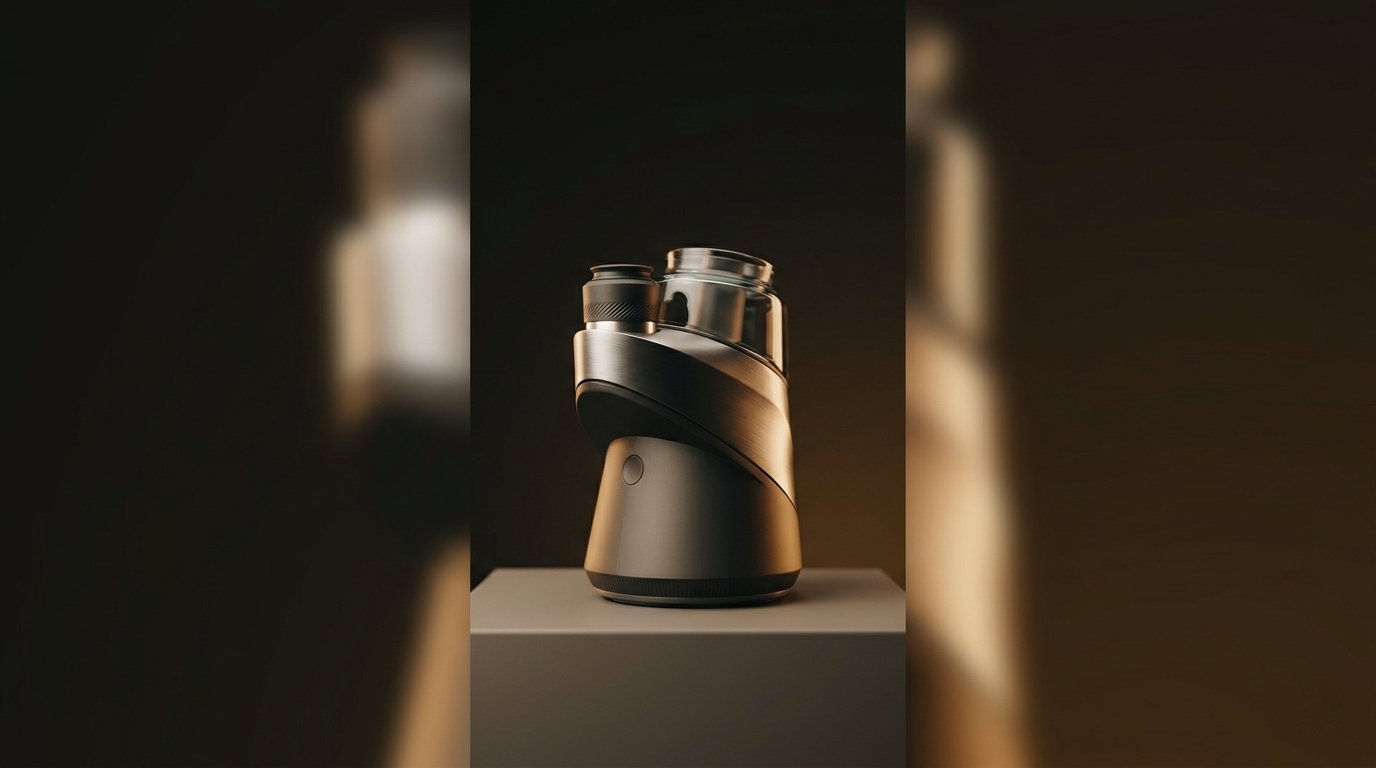
<!-- KEYTAKEAWAYS -->- Image-to-video combined with audio-driven animation turns one photo into a 6–16s platform-ready promo in minutes.- Use short loops (6–12s), vertical 9:16 framing, and a clear visual hierarchy for best algorithmic performance.- GoCrazyAI AI Video Generator animates a still image, outputs 9:16/1:1/16:9, and routes to Kling, Veo, or Sora from one credit pool.- Prepare a high-res isolated product photo and a music stem (beats/percussion) to maximize beat-sync reliability.- Scale by creating 3–5 variant clips per product and automating renders for A/B tests and landing page loops.<!-- /KEYTAKEAWAYS --> Creators who need fast, scroll‑stopping promos can now convert a single product photo and a short audio clip into a ready-to-publish hook using image-to-video and audio-driven animation. This guide shows how to make platform‑optimized, music‑synced product videos without hiring an editor — and why the GoCrazyAI AI Video Generator is the shortest path from a still image to a demo loop. Open the AI video generator and try animating one product shot in minutes.
You’ll get practical preparation tips (file specs, stems), two hands-on workflows, and 5 short‑form formats with prompts so you can ship more promos faster. Throughout, I call out where GoCrazyAI features — Kling 2.5 Turbo Pro, Veo 3.1, and Sora 2 — remove friction so you spend less time editing and more time testing creative.
Why image-to-video + audio-driven animation is the new shortcut for social product promos
Image-to-video (I2V) and audio-driven animation lower the time and skills barrier for product promos. Instead of shooting multiple angles, layering music, and keyframing motion, creators can convert a single high-quality product photo into a cinematic clip and drive motion from a music track. That shortcut matters because the platforms that reward short-form content — TikTok, Reels, Shorts — favor short vertical loops with strong beats and clear product focus.
The practical payoff is twofold: speed and consistency. With an I2V workflow you produce dozens of variants (different camera moves, zooms, and lighting) without a shoot day. Audio-driven animation ensures the motion matches the music’s beats, energy, and accents so the clip feels polished and intentional. GoCrazyAI AI Video Generator bundles both capabilities: it animates still images into motion, creates outputs in 9:16, 1:1, and 16:9, and routes your job to Kling 2.5 Turbo Pro, Veo 3.1 or Sora 2 depending on the job — so you get the right model without juggling subscriptions.
For solo creators and small teams this is a game changer: product demo loops, hero hooks, and animated B-roll can be produced in the time it used to take to queue a render. The result is more testable creative, faster iteration, and a higher chance a product will convert viewers into buyers.
What the research says: quality, limits, and best practices for image-to-video and audio-synced clips
Image-to-video is an established research task: benchmarks like AIGCBench define the problem as generating a dynamic video sequence from a static image plus an optional text prompt and evaluate coherence and motion realism[[1]](https://www.sciencedirect.com/science/article/pii/S2772485924000048). That means the core technology has academic backing and steady improvements. Practical implication: modern I2V models can produce convincing short clips, but they perform best on short runtimes and simple, controllable motion.
Audio-driven animation is also well studied. Surveys of deep‑learning approaches show transformer and diffusion methods achieving reliable lip-sync, facial expression, and rhythm-driven body motion (see MDPI survey)[[2]](https://www.mdpi.com/2078-2489/15/11/675). Specialized papers on audio-to-multi-source motion (Maestro) and controllable motion (Motion‑I2V) point to increased stability when you constrain the problem — which is precisely why creators must design simple camera moves, use clear product silhouettes, and keep loops short.
In short: expect high quality for 6–16s clips when you provide a clean input and keep motion constrained. Commercial tools already exploit this: many beat-sync features automatically align cuts and motion with detected beats and energy, producing vertical hooks optimized for social feeds. That means your creative decisions — framing, contrast, and musical stems — matter as much as the AI model you pick.
Choosing the right input: how to prepare a product photo and music for motion (file specs, framing, and musical stems)
Start with a photo that makes the product unmistakable at a glance. Use a high-resolution image (ideally 2K+), with the product isolated against a clean background. If possible, provide a transparent PNG or a cutout version — models do better when the subject is well-separated from the background. Frame the product with visual hierarchy: ensure the main selling detail (logo, texture, feature) sits near the center of the 9:16 crop so no automatic crops lose the point of interest.
For music, export stems when possible: a percussion/beat stem and a melodic stem. Beat or percussion stems are the most important for reliable beat-sync because they carry tempo and attack information the model uses to generate motion. Look for clips with clear transient hits (claps, kicks, snaps) and a steady tempo; silence or heavy reverb can confuse beat detectors. File specs: WAV or high-bitrate MP3, 16–48 kHz, and trimmed to the clip’s target length so the system doesn’t introduce awkward silence or abrupt cuts.
If you lack stems, you can still use full mixes — but use simpler tracks (steady tempo, clear beat). Preprocessing tips: normalize levels to -3 dB, trim to the intended duration (6–12 seconds is ideal for hooks), and, if you want tighter control, mark beat timestamps in a simple cue file so you can nudge keyframes during generation. Preparing clean visual and audio inputs pays off: shorter render times, fewer strange artifacts, and a higher chance the first generation is publish-ready.
Hands-on workflow #1 — From single product photo to 9:16 TikTok/Reels hook using GoCrazyAI AI Video Generator
Why this workflow: quick hooks need one clear image, a short beat loop, and predictable motion. GoCrazyAI AI Video Generator handles all three: animate a still image, choose a model (Kling, Veo, or Sora), and export a 9:16 clip without manual keyframing.
Step-by-step mini walkthrough:
1) Prepare assets: a 3000×3000px product PNG (cutout preferred) and a 10s beat stem (WAV) trimmed to 10s. Ensure the product fills roughly 40–60% of the vertical frame.
2) Open the AI video generator. Select “Image-to-Video” and upload your product PNG. In the prompt box, write a concise direction: “Cinematic close-up of product rotating slowly, soft studio rim light, shallow depth of field, subtle camera dolly out on beat hits.”
3) Choose the model: for clean product motion pick Kling 2.5 Turbo Pro for speed or Veo 3.1 for photographic realism. Set output framing to 9:16, target runtime 10s, and upload your beat stem in the audio slot.
4) Optional: set motion intensity to low or medium to avoid overdriven motion that distracts from the product. Hit render.
5) Review and iterate: if the first render over-rotates, reduce rotation in the prompt or lower motion intensity. If lighting feels wrong, upload a relit reference image or use GoCrazyAI's image relighting tool via the AI image generator to prepare an alternate input.
Why this scales: each render takes only minutes on GoCrazyAI and you can swap the same audio across multiple product photos or generate multiple camera-move variants from the same prompt. That creates testable ad permutations quickly.
Hands-on workflow #2 — Create music-synced product demo loops and animated B-roll (audio-driven animation tips)
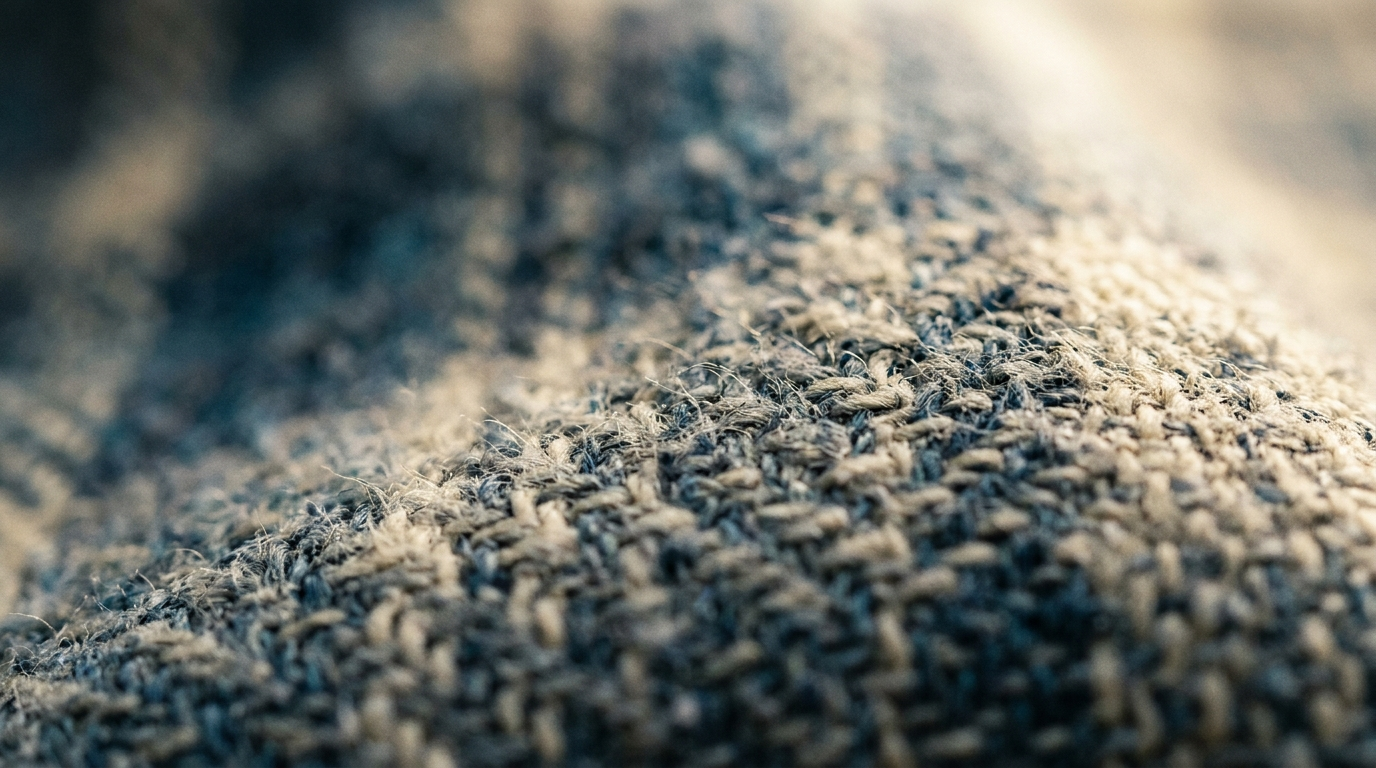
For demo loops and animated B-roll you want motion that communicates function or texture without stealing attention from the product. Audio-driven animation helps by mapping beat energy to micro‑motion (vibrations, shutter moves) or macro camera moves (pushes and pans). Use clear beat stems or a separated percussion track to get consistent results.
Walkthrough focused on audio-driven animation:
1) Choose the use case: a fabric texture demo loop, a gadget button press, or a feature highlight. Short runtimes (6–12s) are ideal for loops.
2) Prepare a percussion stem or export a drum-only stem from your DAW. If you don’t have a stem, run the track through an online drum‑separation tool or pick a royalty-free beat with clear transients.
3) In GoCrazyAI AI Video Generator, upload your product image and the percussion stem. Use a prompt that ties motion to audio: “On each strong beat, a subtle camera push toward the product with a micro-bounce on the third beat; emphasize texture with soft rim light; keep background neutral and low-contrast.”
4) Use the audio-sync toggle and set sensitivity to “high” for percussive hits or “medium” for groove-based energy. Generate a test clip.
5) Review: if motion is too jittery, lower sensitivity or simplify the prompt. If beats aren’t aligning, try editing the stem to emphasize transient attacks or provide a beat map in the prompt (e.g., “beat accents at 0.5s, 1.0s, 1.5s”).
Pro tip: For B-roll, create complementary micro-animations (subtle fabric ripple, button glow on beat) rather than big repositioning; they loop more naturally and reduce artifacting. When you need to polish audio or generate original background music, pair this workflow with the AI music generator to create stems tailored to the visual motion.
Creative recipes: 5 proven short-form formats (and prompt + style examples) that convert on landing pages and social
Here are five short, repeatable formats that work well as landing-page loops and social hooks. Each entry includes a concise prompt you can paste into the GoCrazyAI AI Video Generator and tweak.
1) Feature Close-Up (6–8s): Show the product detail in motion. Prompt: “Slow macro sweep across the product’s texture, cinematic rim light, tiny parallax on background, 6s loop, subtle heartbeat sync.” Why it converts: viewers see the tactile detail that convinces purchases.
2) Action Demo Loop (8–12s): Show the product performing one function. Prompt: “3-step demonstration loop: button press, result animation, product returns to rest; percussive beat sync on returns; clean white studio background.” Why it converts: reduces friction by showing how the product works in seconds.
3) Compare & Pop (10s): Two-state split-screen revealing before/after. Prompt: “Split vertical 9:16: left ‘before’ static, right ‘after’ rotates into view with brighter lighting on beat; punchy tempo, high clarity.” Why it converts: quick visual proof of benefit.
4) Lifestyle Insert (9s): Product in context with subtle camera movement. Prompt: “Product on table, warm golden-hour relight, slow dolly in with soft bokeh, percussive beat-driven vignette.” Why it converts: builds aspiration without shooting on location.
5) Logo Reveal + CTA Loop (6s): Branded endcard for landing pages. Prompt: “Minimal logo reveal: logo emerges from blur on beat 1, subtle pulse on beat 3, CTA text slides up gently; glossy studio finish.” Why it converts: reinforces brand on repeat plays.
Each recipe benefits from short runtimes, clean input images, and a percussion stem. Use GoCrazyAI to generate variant outputs across Kling, Veo, and Sora to test which model’s aesthetic best matches your brand.
How to measure performance and scale production: automation, A/B tests, and repurposing assets
Measurement and scale turn single video wins into systematic growth. Start small: render 3 variants per product (different camera move intensities or model choices) and run an A/B test on platform ads or organic posts. Use 6–12s versions for TikTok/Reels and 1:1 crops for Instagram feed tests. Track click‑through rate (CTR), view-through rate (VTR), and add‑to‑cart lift over short windows (3–7 days) to decide winners.
Automation tips: GoCrazyAI supports high‑throughput generation because you can reuse the same prompt with different models or audio stems. Batch-render product photos to create a matrix of variations: camera move (low/med/high) × audio stem (beat A/beat B) × model (Kling/Veo/Sora). That gives you 18 quick permutations per product and a data-driven way to scale.
Repurposing: convert a winning 9:16 hook into a landing-page loop by exporting a 16:9 or 1:1 crop and adding a CTA overlay in the Media Mixer (/ai-video-edit) or your CMS. For longer explainers, stitch a set of micro-clips into a 30–60s product video using the AI Video Editor. When you need original music or cleaner stems at scale, generate tracks with the AI music generator so every variant has consistent sonic branding.
Finally, apply learnings back to inputs: if a particular lighting style or percussion palette consistently outperforms, standardize that in your product photo shoots and DAW templates. That makes future renders more predictable and reduces iteration time.
Conclusion
Image-to-video plus audio-driven animation closes the loop between a single photo and a publish-ready product promo. For creators and small teams, the biggest win is predictability: supply a clean image and a strong beat stem, pick sensible runtime and motion constraints, and use a platform that routes you to the best model without extra subscriptions. GoCrazyAI AI Video Generator already packages these capabilities — animate stills, sync motion to music, and export platform-optimized 9:16 clips with Kling, Veo, or Sora from one credits pool. Open the AI Video Generator, drop in your product image and a beat stem, and ship a promo clip during your next break.
Sources
- AIGCBench: Comprehensive evaluation of image-to-video content generated by AI — ScienceDirectsciencedirect.com ↗
- Audio-Driven Facial Animation with Deep Learning: A Survey — MDPI (Information)mdpi.com ↗
- Motion-I2V: Consistent and Controllable Image-to-Video Generation with Explicit Motion Modeling — NVIDIA Researchresearch.nvidia.com ↗
- Semantically complex audio to video generation with audio source separation — ScienceDirect (Maestro)sciencedirect.com ↗
- Revid AI — Beat-synced & automated AI music/video features (product pages)revid.ai ↗
- BeatSync — AI-powered music video generation (commercial example of beat-sync tools)beatsync.ai ↗
- Vidu Q3 / Media.io — example product page describing 2K, 16s music-synced clipsmedia.io ↗
- Google Photos photo-to-video feature & Veo model coverage — TechRadar / Android Central (industry news on Veo models)techradar.com ↗