


AI song generation for short-form video: practical guide (2026)
Create original songs and cinematic 10–15s product loops using AI song generation and GoCrazyAI AI Video Generator — step-by-step workflow, rights checklist, and exports.
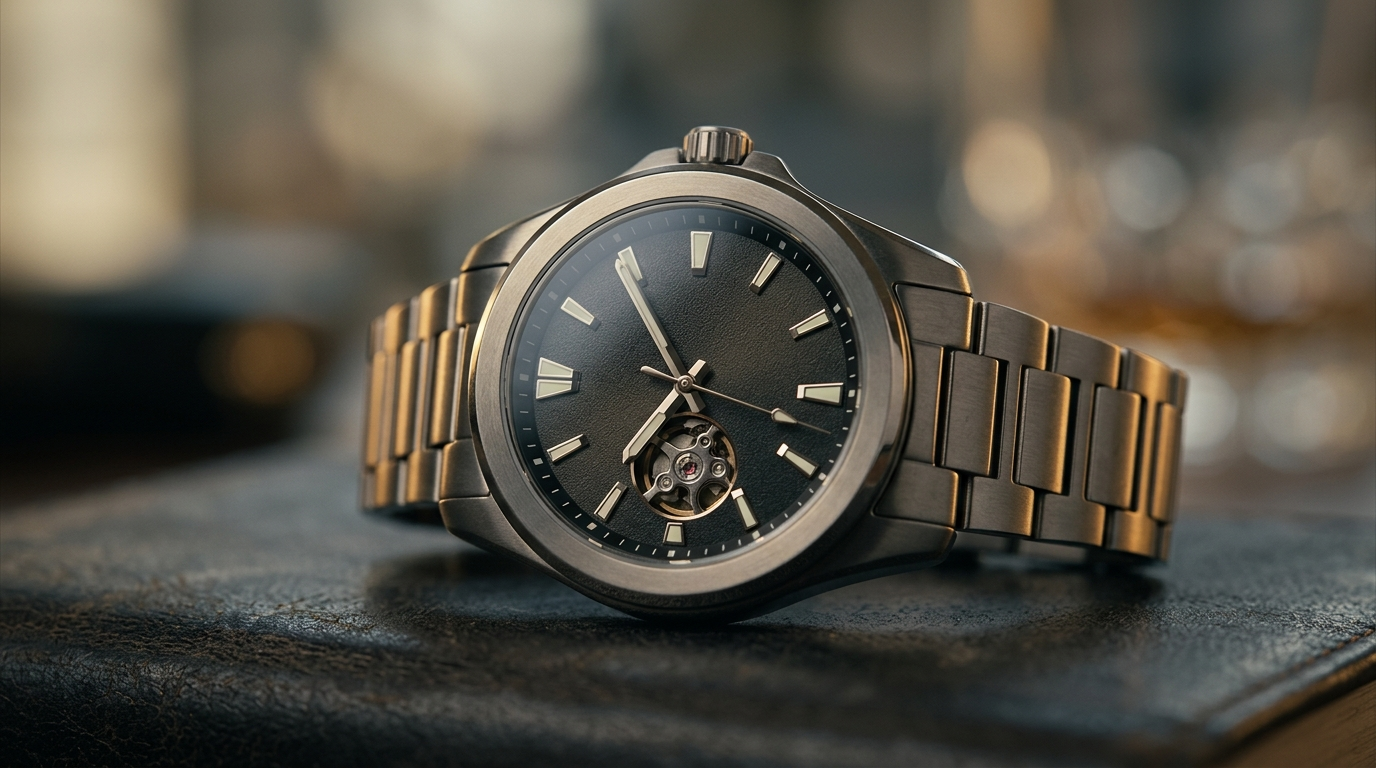
<!-- KEYTAKEAWAYS -->- Generate a short custom song in seconds, then export stems so you can edit, duck, and loop without re‑creating the entire track.- Pairing a 10–15s cinematic video loop with a native, on‑brand song increases short-form engagement and helps avoid licensing issues.- Follow provenance and metadata best practices (credits, prompt logs) to reduce streaming‑fraud risk and platform takedowns.- Use GoCrazyAI AI Video Generator to animate one product photo into 9:16, 1:1, and 16:9 outputs for different platforms from a single prompt.- Keep a vocal and instrumental stem export—stems let you crop or loop music cleanly for hooks and allow easy ducking under narration.<!-- /KEYTAKEAWAYS --> AI song generation is the fastest way for creators and marketers to produce original music for TikTok, Reels, and product demo banners — without licensing headaches. This guide shows how to generate a short, editable song and pair it with a cinematic 10–15s loop using the AI video generator, so you can ship social ads and landing-page loops in an afternoon.
Throughout this article we use the GoCrazyAI AI Video Generator as the core tool for turning one photo and your AI song into multiple social-ready formats. You’ll also see how to export stems from AI music tools and why that makes syncing and ducking simple for voiceovers and product hooks.
Why AI song generation matters now: creative speed, cost, and the legal landscape
AI song generation moved from novelty to utility between 2023 and 2025: commercial full‑song generators began producing convincing vocals and multi‑minute arrangements, enabling creators to produce complete tracks in seconds. This rapid maturity means a small team can prototype dozens of musical ideas in the time it once took to buy and license a single stock track. For short-form creators and marketers that speed directly translates into more ad variants, faster A/B tests, and lower per‑asset cost.
But speed brings legal and platform risk. The U.S. Copyright Office published guidance on AI and copyright in January 2025, emphasizing provenance and licensing for AI‑created works and clarifying that authorship questions hinge on human contribution and demonstrable input[[1]](#source-1). At the same time, major labels have sued AI music services over training data and voice likeness, so the commercial use of generated vocals and recognizable singer likenesses remains a legally unsettled area[[2]](#source-2).
Platform integrity problems compound the risk. WIPO and platform reporting show that AI uploads and streaming‑farm abuse are significant — one estimate put daily AI uploads at roughly 18% for a major streaming service — so platforms are policing provenance and metadata more aggressively[[3]](#source-3). That means creators must not only generate music quickly, they must document origin, avoid cloning famous voices, and export clean assets (stems, metadata) to demonstrate legitimate rights.
Practical takeaways: use AI song generation to cut cost and speed time to market, but export stems, keep prompt logs, and avoid imitating identifiable voices. When you pair a custom short song with a short cinematic loop, you get native-sounding content for Reels and product demo banners — and a defensible provenance trail if platforms ask.
Which parts should you generate as audio vs. video? (which workflow works best?)
Ask this question first: how much of your creative identity depends on the sonic hook versus the visual hook? For short ads and product loops the answer is usually “both,” but you should still treat audio and video as separate production lanes.
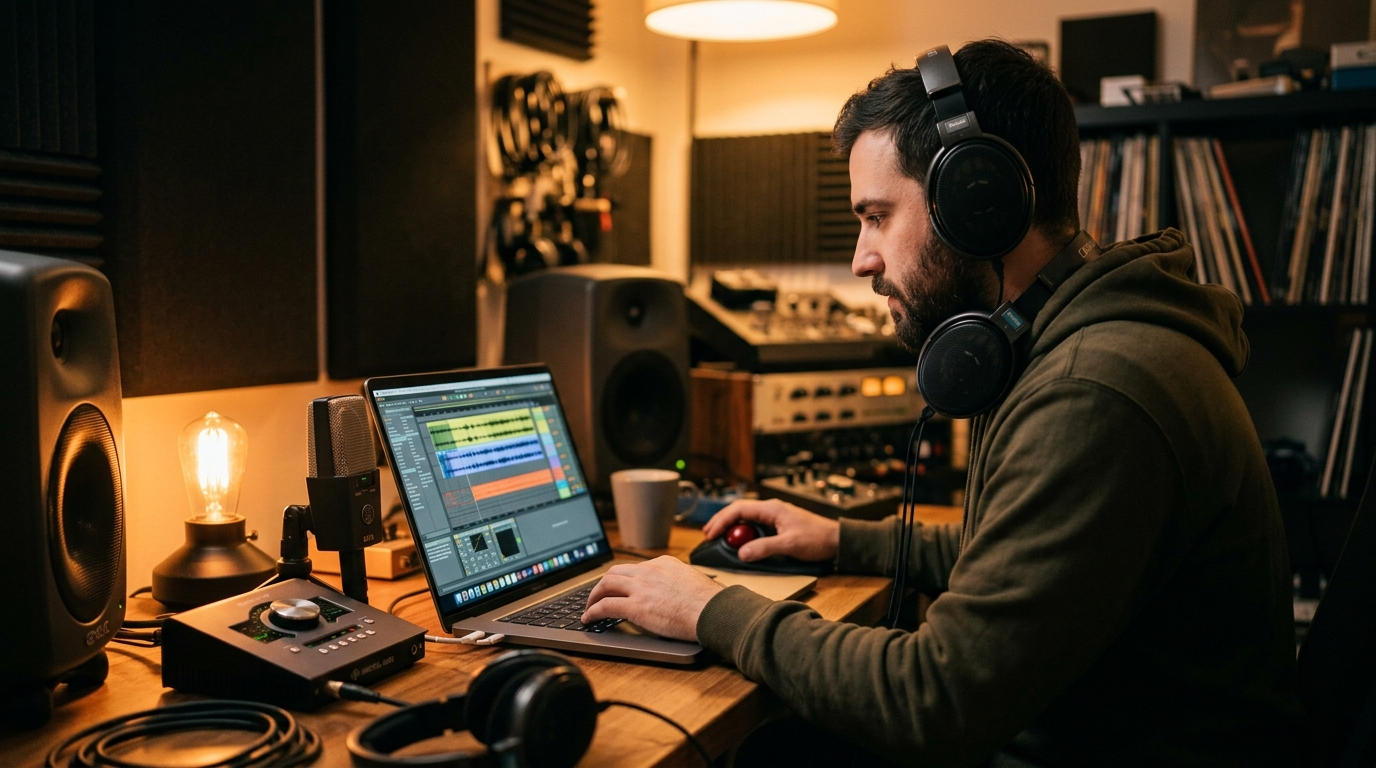
Generate audio when: you need a unique sonic identity, a repeatable hook, or a track that will carry multiple video variants. Use AI song generation to create short (15–30s) songs, or create a longer full track and export a loopable 10–15s section. Always export at least two stems: instrumental and vocal. Stems give you control—trim or loop the instrumental without re‑rendering vocals, duck music under voiceover, and swap arrangements between variants.
Generate video when: visuals must show product details, motion, or a staged environment. Use image-to-video for product photos and text-to-video for scenes you don’t yet own. GoCrazyAI AI Video Generator excels here: it animates a single still photo into cinematic motion and outputs 9:16, 1:1, and 16:9 from the same prompt, so one asset can serve TikTok, Reels, and a landing-page hero without extra framing work.
A hybrid workflow works best: create a short song (or stems) first, then produce a cinematic 10–15s loop that matches the song’s tempo and hook. This keeps the music reusable across experiments and lets you iterate visuals quickly. Supporting tools to consider: an AI song generator to create stems (/ai-music) and an image generator to create or refine product photography before animation (/ai-image-generator).

Hands-on: Create a short, original song for social with AI tools — step‑by‑step (lyrics → stem export)
This section walks through a concrete, platform‑agnostic workflow for producing a short, original song and exporting stems. The goal: a 15‑20s hook that loops cleanly and can be dropped under a product demo or voiceover.
Direct answer (40–60 words): Use an AI music generator to draft a 30–60s full song from a prompt, export separate vocal and instrumental stems, then trim or loop the instrumental to 10–15s. Keep a prompt log and simple metadata file (author, date, prompts, model used) to document provenance.
Step 1 — Draft the idea and prompt: Write a one‑sentence mood + tempo prompt. Example: “Bright, minimal electro‑pop, 100 BPM, female soft lead vocal, catchy two‑line hook about convenience.” Add reference artists only if you have rights to imitate a voice — otherwise describe texture, not a named singer.
Step 2 — Generate a full song: Use a commercial generator (many platforms offered convincing full‑song generation by 2025) and create a 30–60s version so you have room to find a loop. Iteration tip: generate 3 variants and pick the best arrangement.
Step 3 — Export stems: Request a vocal stem and an instrumental stem (or multitrack if available). If your tool can export dry vocals or alternate instrument mixes, grab them. Stems are the single most important export: they let you tempo‑match or duck without re‑generating the master.
Step 4 — Trim and loop: In any simple DAW or the GoCrazyAI Media Mixer (/ai-video-edit) you can trim the instrumental to a 10–15s loop. Match your video’s tempo by counting beats: 100 BPM → a 15s loop covers 25 beats. Export the loop as WAV/MP3 and keep the stems organized.
Step 5 — Document provenance: Save the prompt text, model name, date, and license/version from your AI music provider in a JSON or text file. This reduces friction if a platform asks about source or if you later register the work.
Practical example (worked): Create a 15s product hook
- Prompt: “Warm indie‑pop, 95 BPM, male breathy vocal, two‑line hook: ‘Hold it close, ship it fast’.”
- Generate three 45s drafts in your chosen AI music tool.
- Export instrumental and vocal stems.
- Open GoCrazyAI Media Mixer (/ai-video-edit) or any DAW and trim the instrumental to the best 15s section; keep the vocal stem for alternate edits.
- Save metadata: prompt.txt (text), stems/ (files), license.txt.
That yields a reusable 15s loop, with stems for later edits or voiceover ducking.
Hands-on: Turn a single product photo + AI song into a 10–15s cinematic loop using GoCrazyAI AI Video Generator
Direct answer (40–60 words): Use the GoCrazyAI AI Video Generator to animate a single product photo into a cinematic 10–15s loop, then import your instrumental stem as the soundtrack; export 9:16, 1:1, and 16:9 versions for social and landing pages.
Why use the GoCrazyAI AI Video Generator? It animates stills into motion (image‑to‑video), routs to Kling, Veo, or Sora models from one credit pool, and outputs platform-ready framings without manual editing. That makes it ideal for product demo loops and short-form hooks.
Step-by-step example (worked using GoCrazyAI AI Video Generator):
- Prepare your assets: a high‑quality product photo (well-lit), the 10–15s instrumental loop exported in WAV/MP3, and a short creative brief (mood, camera move, focal point).
- Open the GoCrazyAI AI Video Generator (/create-ai-video). Choose image-to-video and upload the product photo.
- Prompt example: “Cinematic slow parallax reveal, soft golden rim light, 10s loop, gentle camera push forward, focus on product logo, shallow depth of field.” Set duration to 10–15s.
- Select model (Kling 2.5 Turbo Pro for punchy motion or Veo 3.1 for softer photorealism) and choose the output framings you need: 9:16 for Reels, 1:1 for Instagram feed, 16:9 for YouTube/landing hero.
- Generate the clip. Review motion and crop points — the platform gives quick previews for each framing.
- Import the instrumental stem into GoCrazyAI Media Mixer (/ai-video-edit) or add it in the generator if available. Align the hook to the video timeline, add a 0.5s fade in/out to avoid pops, and export.
Practical tips: keep a short musical intro (0.3–0.5s) so social platforms don’t clip the first beat; use stems so you can reduce instrumental level when you add spoken product lines later; export multiple aspect ratios in one run to save credits. The GoCrazyAI AI Video Generator's ability to output 9:16, 1:1, and 16:9 from the same prompt lets you reuse the same creative idea across channels without re-framing work.
This single-photo → song → loop workflow is how indie teams scale ad variants quickly: one photo and one stem create three ad-ready assets in minutes.
Best practices, rights checklist, and distribution tips to avoid streaming‑fraud and copyright risk
Direct answer (40–60 words): Keep prompt logs, export stems, avoid imitating identifiable voices, include provenance metadata with uploads, and follow each platform’s rules about AI content to reduce the chance of takedowns or fraud flags.
Rights checklist
- Prompt and model log: Save the exact text prompts, model name (e.g., the AI music model and version), and generation date.
- Stems and masters: Export vocal and instrumental stems; keep uncompressed masters when possible.
- Voice usage: Don’t use AI to clone a living artist’s recognizable voice unless you have an explicit license. Legal disputes over training data and voice likeness remain active; err on the side of original descriptions rather than name‑dropping[[2]](#source-2).
- Metadata: Embed authorship, date, and a short note that the track was AI‑generated in file metadata and your upload form.
Distribution tips to avoid platform flags
- Add clear attribution in captions or metadata: “Music generated with AI” and the model name help platforms evaluate authenticity.
- Don’t game streams: avoid schemes that rely on fake accounts or streaming farms; platforms and WIPO analysis flag bulk AI uploads as abuse and some services report high daily AI upload rates[[3]](#source-3).
- Use stems for smart edits: if a platform requires dialog clarity, duck the instrumental stem under voiceover rather than re‑rendering the whole song.
Cost and credits
AI song generation and video rendering both have per‑use cost models. On GoCrazyAI you can run multiple models (Kling, Veo, Sora) from a single credit pool, and the AI Video Generator bundles 9:16/1:1/16:9 outputs to reduce duplicate spend. Check pricing and credits before running large batches (/credits).
Final practical checklist before publishing
- Confirm you own the prompts and stems files. 2. Add metadata and a short provenance note in captions. 3. Keep copies of the generation logs. 4. Avoid voice likenesses. 5. Export and test platform aspect ratios. Following this reduces legal friction and the chance your content will be treated as suspicious by automated systems.
Frequently Asked Questions
Can I legally sell or license songs generated by AI song generation tools?
It depends on the tool’s license and how much human input you provide. Save prompt logs and the model/version metadata; consult the provider’s terms. Avoid matters of voice likeness or material that mimics a specific artist without a license.
Why export stems instead of a finished MP3?
Stems let you loop, duck, remix, or shorten music without re‑generating the whole song—essential for matching music to variable-length social clips and voiceovers.
Will platforms detect that my music is AI‑generated?
Some platforms increasingly tag AI uploads; adding clear metadata and attribution reduces friction. Platforms are also flagging mass AI uploads and streaming‑farm abuse, so don’t batch‑upload without provenance.
Conclusion
AI song generation gives small teams a massive creative multiplier: cheap, fast, and flexible music you can own and edit. The safest and most scalable workflow pairs a short, stembed AI song with a cinematic 10–15s loop created in the GoCrazyAI AI Video Generator — one photo, one stem, three aspect ratios, and a ready ad or landing hero. Open the AI Video Generator, drop in your prompt or reference image, and ship a clip in your next break.
Sources
- Copyright and Artificial Intelligence | U.S. Copyright Office (AI Initiative)copyright.gov ↗
- Music industry giants allege mass copyright violation by AI firms — Ars Technica (June 2024)arstechnica.com ↗
- How AI-generated songs are fueling the rise of streaming farms — WIPO Magazinewipo.int ↗
- Music Generation Using Deep Learning and Generative AI: A Systematic Review (January 2025) — ResearchGateresearchgate.net ↗
- Music streams hit 5 trillion in 2025 — AP News (Luminate data; industry context on AI’s impact)apnews.com ↗
- Best AI Music Generator Platforms of 2025 — SimplyMac (industry roundup of tools and capabilities)simplymac.com ↗
- Top AI Music Generators for 2025 — The AI Rankings (tool comparisons and capabilities)theairankings.com ↗