


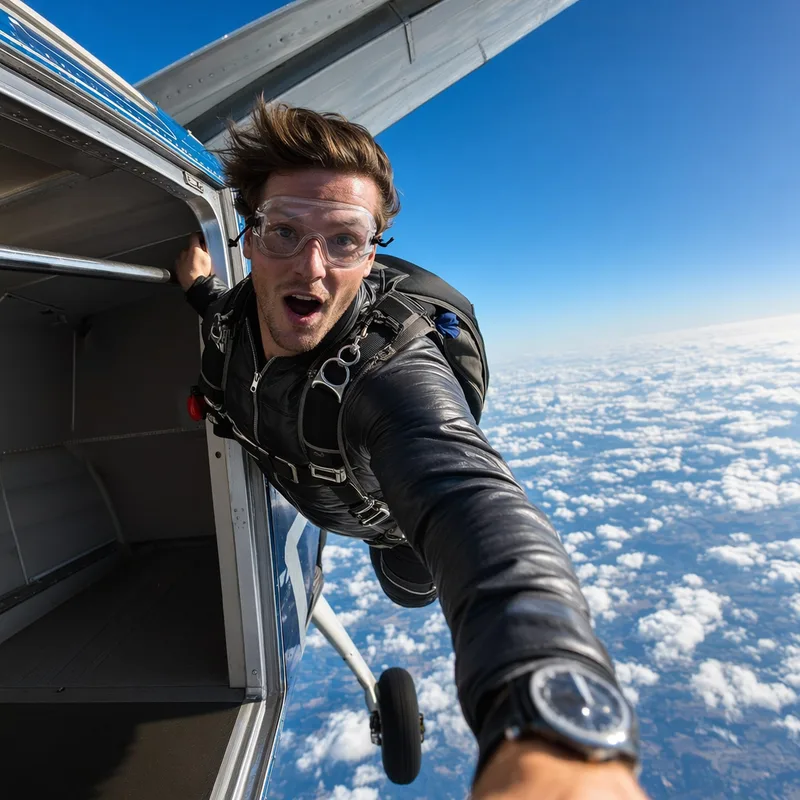
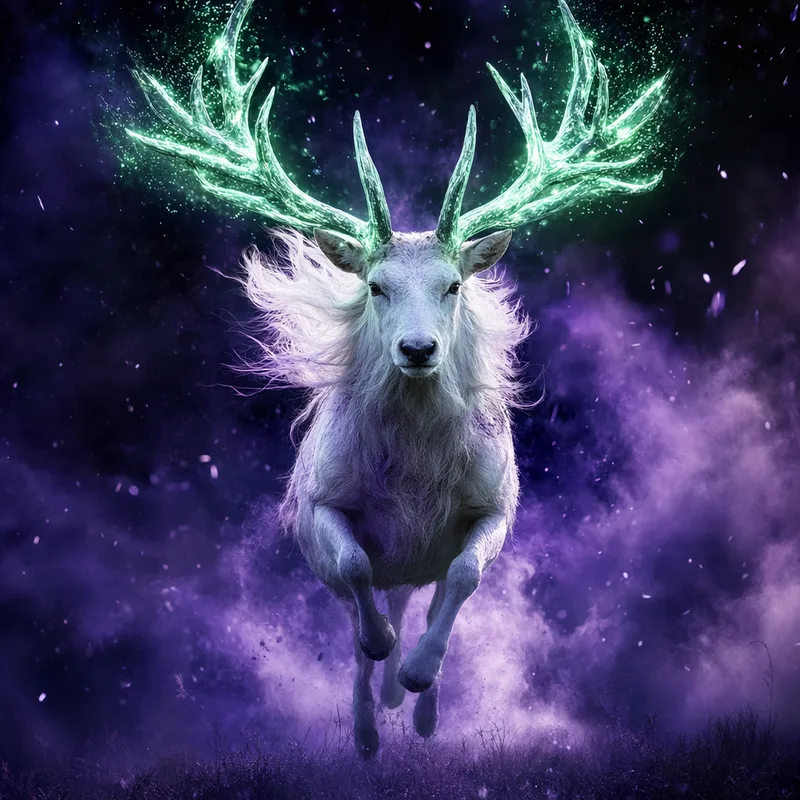
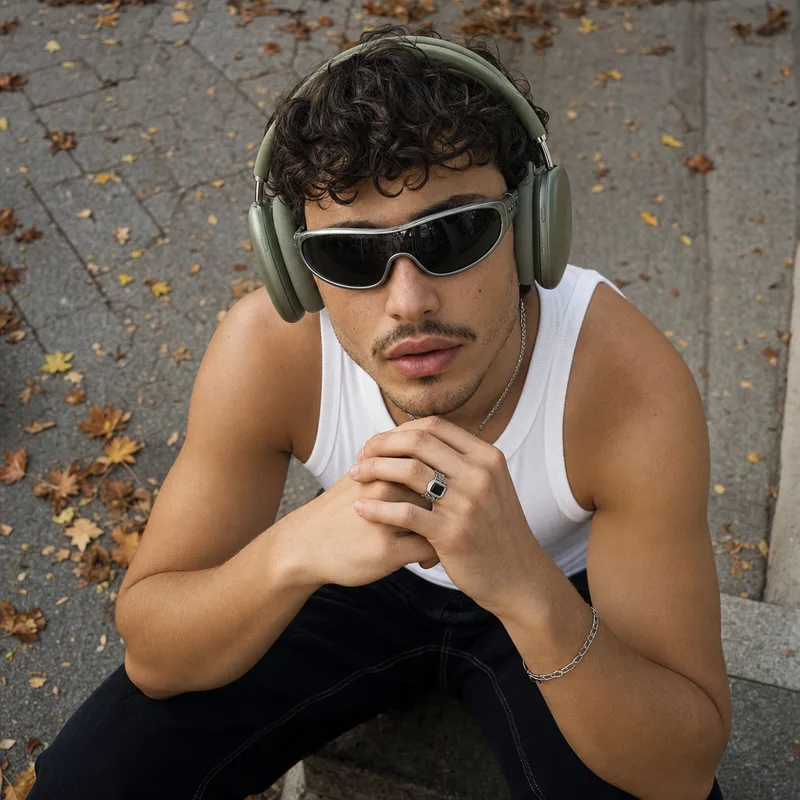
AI Video Generator Kling 2.6Next-Generation AI Creative Studio
All-in-One AI Creator App
Private by DesignAI Videos, Images, Music
& More
Cinematic videos, stunning images and original music — from a single photo or prompt, in seconds.
I want to make:
Start creating nowExplore the GoCrazyAI toolkit
Hover any tile to preview the tool in action.
New
AI Video Hooks
Upload a photo. Pick a template. Get a cinematic AI video.
New · Anime Studio
アニメ・アバター・メーカー
Anime Avatar
Generator
From a prompt or your photo. Cute, cool, kawaii, dark — ready in seconds.
Anime Pro · Anime Super · Pro Max·from 5 credits
 cute
cute cool
cool aesthetic
 dark
dark kawaii
 cyberpunk
Every style, one click
Veo 3.1 · WAN 2.7 · Seedance 2 · Kling 2.6
The all-in-one AI Video Generator
Cinematic videos, AI images and music — from a single photo or prompt. Plans from $25/month, cancel anytime.
Chat with AI Characters
AI mentors, tutors, story guides and creative partners — each with its own personality and memory. Replies are AI-generated, not from real people. Talk by text or voice.
New · AI Music
Make a song from a sentence.
Studio instrumentals, full songs with vocals, your own voice cloned into a track, or sound effects — all from a one-line prompt. 5 free songs on every account.
 #1
#1Classical - Instrumental
Classical · 1.4k plays
 #2
#2She Is Singing Like Famous Latino Singers
1.3k plays
 #3
#3House - Song
House · 1.1k plays
 #4
#4Hip Hop - Instrumental
Hip Hop · 1.1k plays
 #5
#5Rock - Instrumental
Rock · 1.0k plays
 #6
#6Latin - Song
Latin · 1.0k plays
 #7
#7Hip Hop - Instrumental
Hip Hop · 1.0k plays
 #8
#8Morning Grind Mode
Rap Lyrics · 71 plays
Every AI tool you need, in one place
From video generation to voice cloning — pick a tool and ship in minutes.
- AI Video GeneratorVeo 3.1, Sora 2, Seedance, Kling
- AI Ad Video GeneratorVideo ads from a photo or prompt
- AI Image StudioPhotorealistic images & edits
- Anime PFP GeneratorCute, cool & aesthetic anime PFPs
- AI Music GeneratorSongs & instrumentals, copyright-free
- AI Voices2,000+ voices, voice cloning
- AI Dubbing30+ languages, voice-preserved
- AI Video EditorSubtitles, music, overlays
- AI Image UpscalerUp to 8K resolution
- Image RelightingStudio lighting in seconds
- Voice IsolatorRemove background noise
- Motion ControlDirect camera moves
- AI Podcast StudioMulti-voice from a script
How GoCrazyAI Works
From a single photo or prompt to a finished AI video in three steps.
- 1
Pick a tool
Start with AI Video, AI Image Studio or AI Music. Each tool is tuned for a specific creative output.
- 2
Upload or prompt
Drop in a photo, write a text prompt, or both. Apply one of 12+ cinematic effects — Earth Zoom, Disintegration, Wonderland and more.
- 3
Generate & export
Pick your model — Veo 3.1, Sora 2, Seedance 2, Kling 2.6 or WAN 2.7 — and your clip renders in 1–5 minutes. Download in 1080p MP4.
Frequently Asked Questions
Everything you need to know about generating AI videos, images and music with GoCrazyAI.
What is GoCrazyAI?
GoCrazyAI is an all-in-one AI creative studio for video, image, music and voice generation — nothing to install. From a single web app you can use the AI Video Generator with Veo 3.1, Sora 2, Seedance 2, Kling 2.6 and WAN 2.7, the AI Image Studio, AI Music, AI Voices and the Anime Avatar Generator, all powered by one credit balance — monthly plans start at $25/month, and subscribers can add one-time top-up packs whose credits never expire.
Do I need any technical skills to use GoCrazyAI?
No — GoCrazyAI is built for creators, not engineers. There is nothing to install: open it in any modern browser, sign in with Google, and you are one click away from your first generation. Every tool — the AI Video Generator, AI Image Studio, AI Music and the Anime Avatar Generator — is a single page with a prompt box, a model dropdown and a Generate button. If you can type a sentence and upload a photo, you can use the whole platform.
What AI video models can I use on GoCrazyAI?
The AI Video Generator puts five flagship models in one place: Google Veo 3.1 for cinematic clips with native audio, OpenAI Sora 2 for high-realism prompts, ByteDance Seedance 2 for fast image-to-video, Kling 2.6 Turbo Pro for motion control and WAN 2.7 for stylized output. Compare them directly on our Veo 3.1 vs Sora 2 and Kling 2.6 vs Runway pages.
How do I turn a photo into an AI video?
Upload a single photo to AI Video Pro, pick a model (Veo 3.1, Seedance 2, Kling 2.6 or Sora 2) and write a short prompt — your clip renders in 1–5 minutes in 1080p. And Motion Control lets you direct precise camera moves like pans, orbits and zooms on the source frame.
Can I add a voiceover to my AI videos?
Yes. Combine AI Video Pro with AI Voices for cloned narration and AI Dubbing to ship the same video in 30+ languages while keeping the original voice timbre — built for short-form social, ads and explainer content. Any content that uses a real person's voice or likeness is consent-first: you must have rights and consent, every upload is screened by AI moderation, and impersonating real people is never allowed. AI-generated or manipulated content must be clearly labeled as such when you publish it, as required by transparency laws like the EU AI Act.
Can I make an anime PFP or anime avatar with AI?
Yes. The Anime Avatar Generator turns a prompt or a photo into an original, fictional anime profile picture in seconds — cute, cool, kawaii, dark, cinematic, cyberpunk and manga styles. Square 1024×1024 output works as a PFP on Discord, TikTok, X, YouTube and Twitch. Pick Anime Pro for fast clean results or Anime Super and Pro Max for ultra-detailed illustration, starting at 5 credits per image.
Can I generate AI music, AI voices and AI dubbing?
AI Music writes original songs and instrumentals from a text prompt, with downloadable, copyright-free vocal and instrumental stems. AI Voices covers 2,000+ multilingual voices plus voice cloning from a short sample, AI Dubbing translates videos into 30+ languages while preserving the original voice timbre, and AI Podcast Studio turns a script into a multi-voice episode with natural turn-taking.
How much do GoCrazyAI credits cost?
GoCrazyAI runs on monthly credit plans: Creator is $25/month for 75 credits, Producer is $60/month for 250 credits and Premium is $95/month for 500 credits. Every plan unlocks every AI model, subscription credits refresh monthly, and you can cancel anytime from your profile. Subscribers can also buy one-time top-up packs whose credits never expire and stack on top of the plan. AI videos cost roughly 15–60 credits depending on model, resolution and length; AI images cost 3–15 credits; anime avatars start at 5 credits. Exact rates are shown on each tool and on the pricing page.
How long does AI video generation take?
Most AI videos render in 1–5 minutes. Seedance 2 and Kling 2.6 Turbo Pro are the fastest models for short image-to-video clips, while Google Veo 3.1 and OpenAI Sora 2 take longer in exchange for higher cinematic quality. AI images return in 10–60 seconds, anime avatars are usually ready in under 30 seconds. You can queue multiple jobs in parallel, leave the tab and come back — every generation is saved to your My Creations dashboard.
Can I use GoCrazyAI's AI-generated content commercially?
Usage rights depend on the type of content: AI-generated music and lyrics can be used commercially with proper licensing. AI-generated images have usage rights that vary by subscription tier. AI-generated videos are typically for personal use unless specified otherwise in higher-tier plans.
Is my content private?
Yes. Every generation is private to your account by default. Your prompts and media are not sold to third parties and are not used to train AI models. You can delete any creation from your My Creations dashboard at any time, and failed generations are automatically refunded so you never pay for a job that did not complete.
How can I get support if I need help?
Reach the GoCrazyAI team at go@gocrazyai.com for anything — bug reports, billing questions, refund requests, feature ideas or help finishing a generation. We typically respond within a business day. For status updates on a stuck job you can also check your My Creations dashboard, which surfaces queue state and triggers automatic credit refunds for any failed generation.
Private to you. Your uploads and creations are never used to train AI — delete anytime.