


Song for Dance Video: Plan, Produce, and Launch Viral Dance Clips (2026)
Step-by-step guide to plan, produce, and scale viral dance videos and sounds using one-click effects. Turn a selfie into a dance-ready clip with GoCrazyAI CrazyFX.
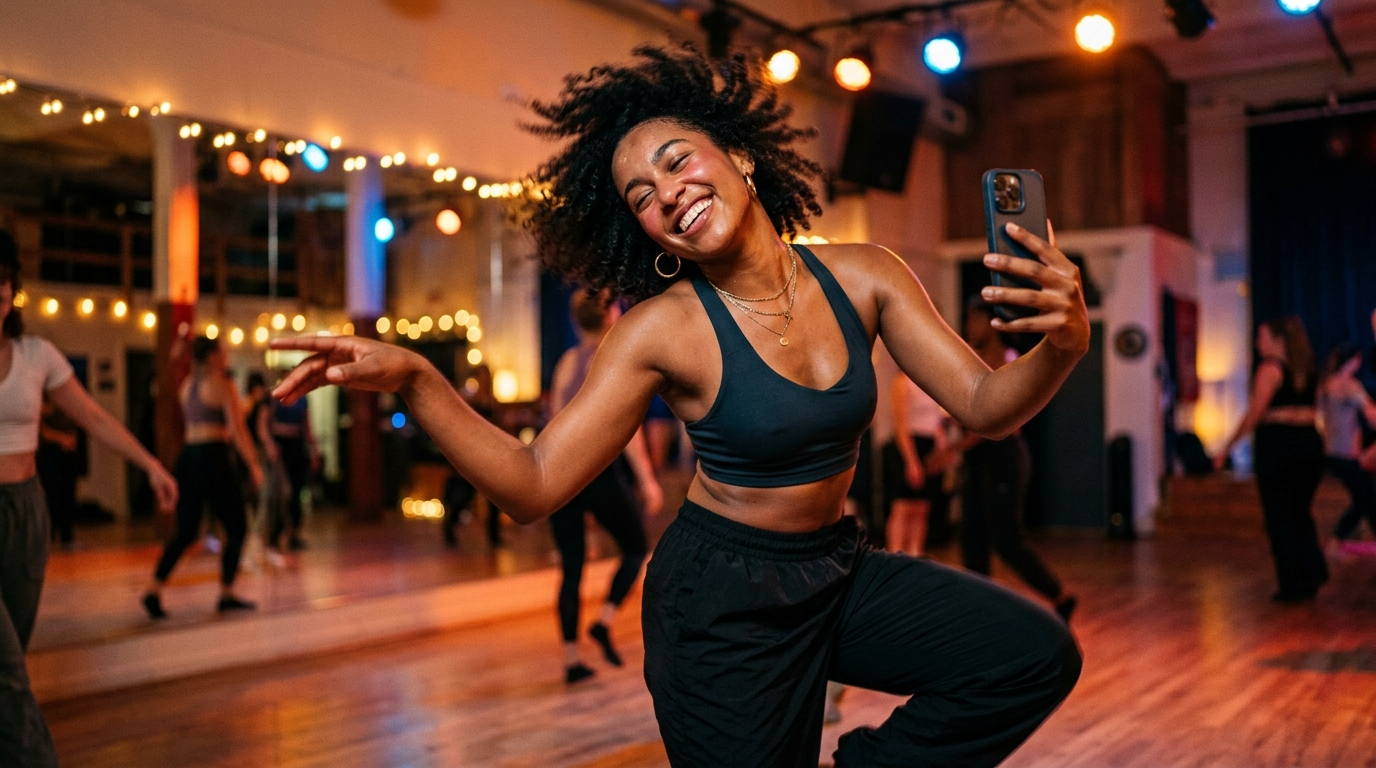
<!-- KEYTAKEAWAYS -->- A single 3–6 second audio hook is the primary driver for repeatable choreography and remix potential.- Use rapid A/B testing with one‑click AI effects (like GoCrazyAI CrazyFX) to produce dozens of creative variants fast.- Seed a new sound with choreography tutorials, duet templates, and cross‑platform posting plus small paid boosts.- Keep a master audio file and tempo/variant edits to avoid geo or takedown issues with viral sounds.- Measure short-term engagement (completion, rewatches) and remix velocity to decide which variation to scale.<!-- /KEYTAKEAWAYS --> Picture this: you’ve got a handwritten hook, a 3-second beat that bounces in your head, and a single selfie. Fast-forward two hours — you’ve tested five visual styles, one landed, and creators are dueting. That’s the power of a sharp song for dance video plus fast iteration. In this guide I’ll show exactly how creators plan, produce, and launch dance challenges using one‑click effects, rapid audio edits, and distribution tactics that actually move metrics.
You’ll see concrete workflows for mapping choreography to 15–30s clips, a step‑by‑step on how to generate a shareable dance clip from a selfie using GoCrazyAI CrazyFX, and the distribution playbook that helps sounds break (including how TikTok data proves audio-first virality). If you want to skip blank‑page edits and ship testable variants quickly, try the AI video effects that turn a single photo into a vertical, trend-ready video in seconds.
Why audio-driven dance trends still determine virality in 2024–2025 (key stats you need to know)
Audio is not decorative on short-form platforms — it’s the product discovery engine. In 2024 TikTok reported that 84% of songs that entered the Billboard Global 200 had already gone viral on TikTok first, illustrating how platform-driven audio discovery now breaks songs and shapes culture[[1]](#source-1). The platform’s Year on TikTok data also shows top songs generate tens of millions of creations; the biggest tracks each created 10–50M+ videos, proving a single sound can power mass creative volume[[2]](#source-2).
Other trackers show music appears in roughly 80–90% of short videos, which explains why sound selection is the most consequential creative decision for dance creators[[3]](#source-3). Trends shifted toward electronic and dance-tagged posts in 2024–25 — one report noted a 45% year-over-year rise for posts tagged ‘electronic music’ — indicating genre signals that reward choreography-friendly production and energetic drops[[4]](#source-4).
What this means practically: if you want a song for dance video that can scale, you must optimize for a short, repeatable hook, high BPM or a tempo-changeable stem, and a production style that maps cleanly to visual cues (drops, lyric hits, or percussive stabs). The rest of this guide turns those facts into a production and launch playbook.
Picking the right song for your dance video: audio attributes that spark challenges
Not every catchy song becomes a challenge. Pick sounds that match three practical attributes: 1) a sharp 3–6 second hook, 2) clear dynamic events (drops, tempo changes, vocal exclamations), and 3) stems or versions you can edit without losing punch.
Hook: Viral dances reuse the same slice of audio. A tight hook — a lyric, a snare fill, or a melodic stab — becomes the choreography’s mnemonic. If your song lacks a distinct micro-hook, create one by editing an instrumental stab or looping a vocal phrase.
Dynamics: Producers should prefer tracks with identifiable cue points every 4–8 bars: beginning, pre-drop, drop, and a cadence. Those cue points let choreographers design micro-moves and remixes. Tempo and BPM matter: 100–140 BPM is the sweet spot for shareable choreography because it balances energy and learnability.
Editability: If you don’t control the master stems, plan tempo variants (sped up / slowed down) and an instrumental version. Many creators keep a master WAV and produce 3–4 variants (full, hook-only, instrumental-loop, and sped 10–15%) to hedge against region blocks and audience preference.
Choosing the right song is half art, half risk management: pick something hooky and make it repeatable. If you need stems or a quick original backing, GoCrazyAI’s AI Song Generator can create instrumentals and hooks you can drop straight into a test edit — see the production section below and try the AI music generator for rapid stems.
Pre‑production: mapping choreography and hook moments to 15–30s audio clips
Dance shorts live in 15–30 seconds. Successful creators plan micro-choreography mapped precisely to the audio slice they want to seed. Start your pre-production with three artifacts: a beat map, a shot list, and a tutorial frame.
Beat map: Open your DAW (or a simple timestamp sheet) and mark the hook’s 3–6 second range and the bars that precede and follow it. Note exact frame hits: verse-to-drop transitions, breath accents, or percussive clicks that are natural cue points for a foot stomp, head tap, or turn.
Shot list: For vertical formats, plan 3–5 visual beats that match the audio. Example: 0–3s intro (pose), 3–6s hook move A, 6–9s hook move B, 9–12s repeat with a camera shift, 12–15s finish/reveal. Keep moves compact and repeatable — creators should be able to learn them in a 15–30s loop.
Tutorial frame: Prepare a short breakdown post showing counts or slow‑motion moves and a duet template for other creators. A strong tutorial is the difference between a good audio and a viral challenge.
Finally, build a rapid test matrix: 4 lighting/ wardrobe looks × 3 hook edits × 2 tempos = 24 test clips. This is where one‑click AI effects win: you can generate dozens of variants from a single headshot or photo, dramatically reducing actor-time and production friction.
Hands-on: Create a viral dance track fast — layering beats, drops, and a 3‑second hook
If you’re producing the track yourself, aim to finish a test-ready 15–30s clip in one session. Use this 5-step mini workflow.
1) Start with a tempo and key. Pick 100–130 BPM for broad shareability. Choose a key that supports strong vocal hooks (A, C, D are common).
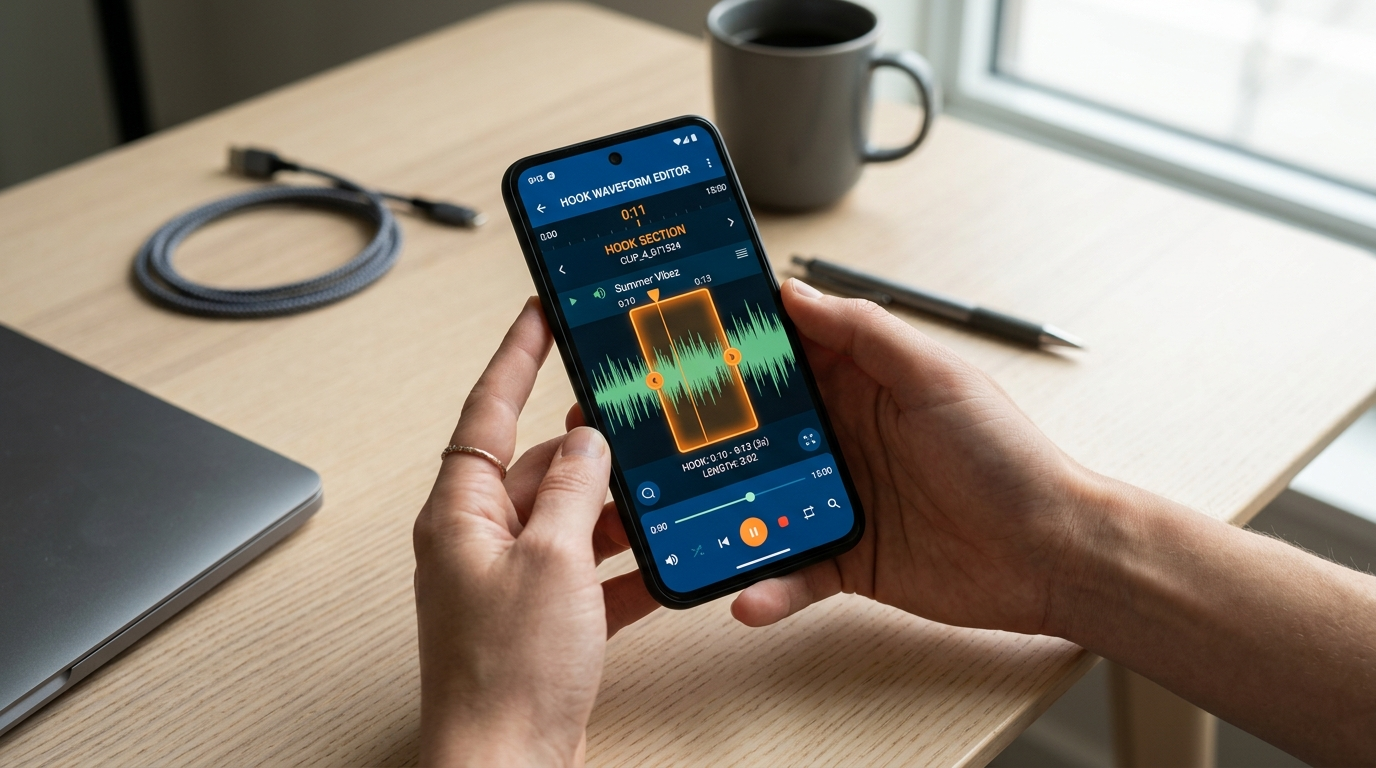
2) Build a bed. Layer a punchy kick, a clap/snare on 2 and 4, and a bright hi-hat groove. Create space for a 3–6 second melodic or vocal hook to sit on top.
3) Design the hook. Record a short vocal phrase (spoken or sung) or synth stab. Process it with saturation, slight compression, and a narrow reverb to keep presence.
4) Add a micro-drop or switch. At the end of the hook slice, insert a tempo-contrast or two-bar percussion change — this gives editors a cinematic cue to match a quick visual transition.
5) Export versions: full 30s mix, hook-only loop, instrumental, and tempo-shifted variants (-10% and +10%). Keep WAV masters and 320kbps MP3s for platform uploads.
If you’d rather generate instrumentals fast, GoCrazyAI AI Song Generator can create royalty-free instrumentals and hooks from a prompt; use those stems as the basis of your hook, then upload to your editor. Once you have audio, you can pair it with visuals using either the AI Video Generator or the CrazyFX one‑click effects to produce vertical-ready outputs.
Hands-on with AI avatar & pet dance: turn a selfie or pet photo into a shareable dance clip using GoCrazyAI CrazyFX
This is the practical win: GoCrazyAI CrazyFX applies tuned AI presets to a single photo and renders a vertical clip ready for TikTok or Reels. Use case examples include a dance trend clip from a selfie and a pet dance video from a single pet photo.
Why CrazyFX: each effect is a tuned preset — no prompt engineering needed — so you can validate formats quickly. Effects include AI dance, avatar dance, pet dance, lipsync, and news‑anchor presets. The result: one photo in, finished vertical clip out.
Worked example — make a 15s dance clip from a selfie with CrazyFX:
- Step 1: Choose your selfie and upload it to CrazyFX (/crazyfx). Pick the ‘Dance Preset’ and select 9:16 vertical output.
- Step 2: Upload your 15s audio hook (hook-only WAV) and set the clip length to match the audio slice.
- Step 3: Choose choreography intensity (subtle, medium, high). CrazyFX applies a preset motion that syncs body moves to audio cues.
- Step 4: Preview and tweak face framing or background crop. Apply a filter or relight if desired (use the relight preset to create studio or golden-hour looks).
- Step 5: Render and download the MP4 optimized for TikTok.
In practice you can produce 10 variants from the same selfie by swapping audio stems or intensity; that rapid iteration is often enough to find a winner before you invest in live shoots. If you need original background imagery or alternate camera moves, combine CrazyFX output with the AI Video Generator (/create-ai-video) for cinematic context, or make new cover images in the AI Image Generator (/ai-image-generator).
Comparison table: CrazyFX vs full AI video generation vs manual edit
| Feature | GoCrazyAI CrazyFX | AI Video Generator (/create-ai-video) | Manual edit (phone + software) |
|---|---|---|---|
| Input required | Single photo + audio | Text prompt or image + audio | live footage or multiple takes |
| Setup time | <5 minutes per variant | 10–30 minutes per scene | 30–120 minutes shoot + edit |
| Presets | Tuned one‑click dance & lipsync | More flexible cinematic engines | Fully manual control |
| Output | 9:16 vertical clip, social-ready | Custom aspect ratios, cinematic | Varies; needs export settings |
| Best for | Rapid A/B testing, trend formats | Branded cinematic AI video | High-quality bespoke content |
This table helps you decide: use CrazyFX when speed-to-test matters; use the AI Video Generator for longer narrative or cinematic pieces; use manual shoots for high-fidelity performances.
Lipsync and news-anchor formats: scripting, timing, and how CrazyFX automates mouth and facial sync
Lipsync formats and short ‘news-anchor’ novelty clips are powerful social formats because they pair a clear script with a simple visual novelty. CrazyFX automates mouth and facial sync so creators can focus on writing the hook, not lip shapes.
Scripting: Keep lines short and punchy. For a 15s clip, limit dialogue to 8–12 words; for news-anchor novelty use a two-sentence hook that includes a surprise. Write with strong punctuation — editors use commas and pauses as natural mouth‑shape anchors.
Timing: Map the spoken syllables to frames. A practical rule: assume ~3–5 syllables per second; plan one strong visual change every 2–3 seconds to maintain attention. For chop-and-loop formats, isolate the 3–6 second repeatable slice and ensure the mouth shapes align with the leading consonant or vowel.
How CrazyFX helps: CrazyFX applies tuned facial overlays and mouth-synchronization to your photo, matching the uploaded audio clip. The preset takes care of micro-expressions and head movement so you can export a believable lip-synced piece without motion-capture or actor time. Use this approach to create tutorial-style anchors, branded announcements, or comedic lip-sync shorts quickly.
If you need a custom voice for narration or character dubbing, pair CrazyFX with GoCrazyAI AI Voices (/ai-voice) to generate a consistent persona voice. For final polish — subtitles, overlays, or sound design — use the AI Video Editor (/ai-video-edit) to assemble and export platform-optimized files.
Distribution & audio strategy: how to seed a sound, add metadata, and nudge algorithmic discovery
Distribution is as tactical as production. A repeatable mix for seeding a dance sound includes organic seeding, creator incentives, and cross-platform posting.
Organic seeding: Start with friends, dancers, micro-influencers, and niche communities. Give them assets (hook-only audio clip, duet template, tutorial) and ask for early posts within 24–48 hours. Early velocity matters to algorithmic surfacing.
Creator incentives: Publish a choreography tutorial and a downloadable duet template. Offer a small prize or feature on your account for the best duets in week one. Incentives increase remix velocity and UGC (user-generated content).
Cross-platform: Post to TikTok, Instagram Reels, and YouTube Shorts with the same audio track. Some creators stagger posts: TikTok first, Reels 24–48 hours later, Shorts the following week. Keep the master WAV and upload direct to each platform to avoid compression differences.
Metadata: Name your sound clearly (include brand or dance name and a call-to-action like “Duet this!”). On platforms that allow sound descriptions, include a short tutorial link or the hashtag you want creators to use.
Paid boosts: A small paid push to micro-dance accounts or a targeted interest group can seed the sound in additional creator circles. Use the analytics window (first 72 hours) to decide which clips to boost.
Finally, retain variants: keep instrumental and tempo-shifted versions as backups if the platform geo-blocks the main sound. Community posts show region restrictions happen; having replacements avoids sudden drops in momentum[[5]](#source-5).
Legal & rights checklist for using songs and stems in short-form dance videos
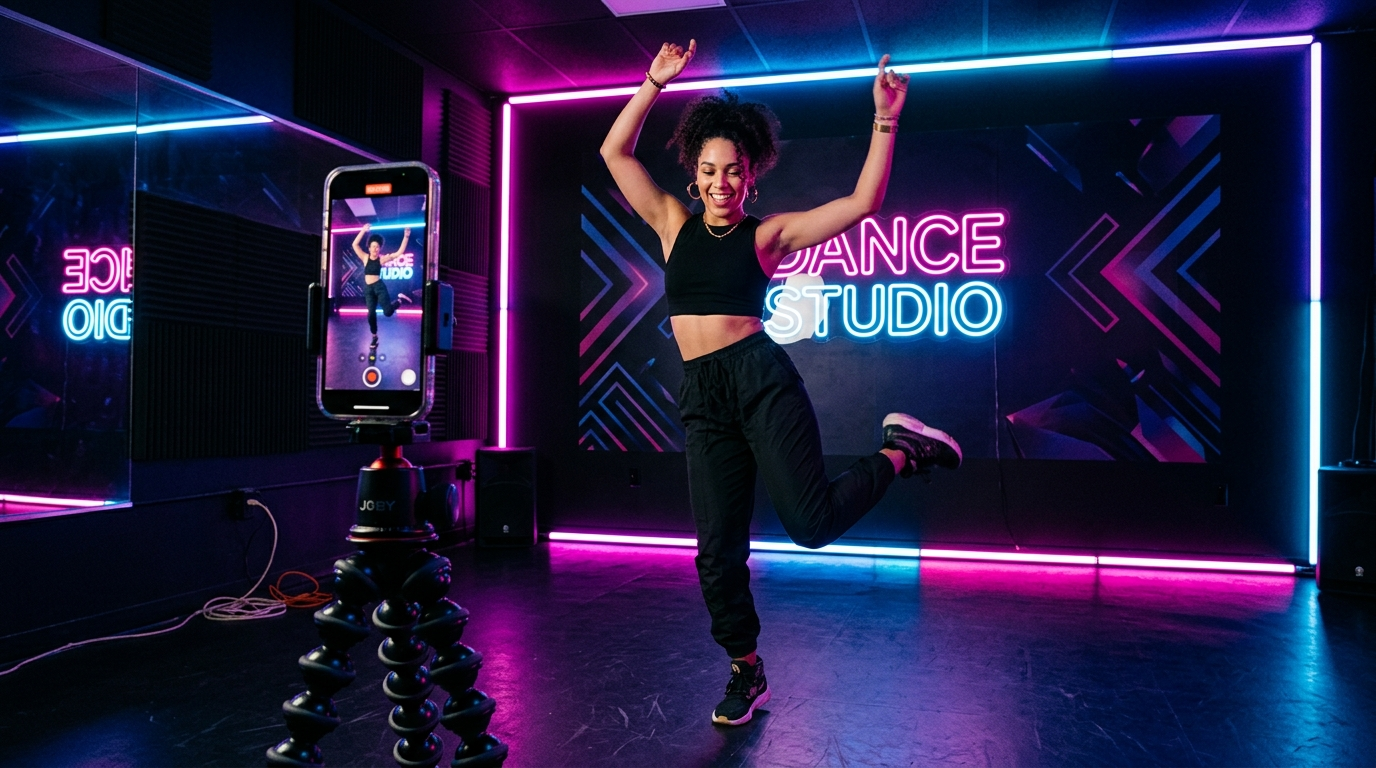
Rights management can derail a trend. Use this checklist before seeding your sound:
1) Ownership: Confirm you own the master or have a license to distribute the stem. If you’re using third-party music, get mechanical and sync clearance for paid distribution when required.
2) Platform policy: Check each platform’s guidelines and music libraries. Some platforms allow personal use audio but block distribution for commercial ads.
3) Backups: Create instrumental and edited variants to upload if a specific version is restricted or removed in some regions.
4) Attribution: When required by license, display writer/performer credits in captions or sound metadata.
5) Monetization: If you plan to monetize via ads, confirm whether the license covers commercial use. Many creator reposts are fine for organic growth, but paid promotions can trigger additional rights requirements.
If you need quick, copyright‑clean music, use GoCrazyAI AI Song Generator (/ai-music) to create royalty-free instrumentals tailored to your hook. Generating owned stems eliminates a major legal headache and speeds up paid amplification.
Measuring success and iterating: the metrics, tests, and rapid creative experiments that scale dances
Measure to learn. The most telling early metrics for dance shorts are completion rate, rewatches, duet/remix velocity, and share count. Track these over the first 72 hours and compare variants.
Rapid experiments: Run controlled A/B tests — swap only one variable per test: a different hook edit, a lighting style, or a tempo variant. With CrazyFX you can generate many visual permutations from the same photo and audio, making it easy to isolate the effective variable.
Decision rules: If a variant has 25–50% higher completion and twice the duet velocity, scale it with cross-posting and a paid boost. If rewatches are low but clicks to profile are high, try a stronger visual promise in the first second.
Iterate on choreography: When a move is remixed by creators, map the common remixes and create a tutorial showing the most popular spin. Incentivize top remixers and create a hashtag feed.
Finally, document wins: keep a short playbook of the three best-performing combinations (audio variant, intensity preset, thumbnail frame). This collection becomes the reusable template for your next dance sound and dramatically shortens time-to-launch for future trends.
Frequently Asked Questions
How long should a hook be for dance videos?
Aim for 3–6 seconds; that length is easiest for choreography, looping, and remixing across platforms.
Can I use CrazyFX with a pet photo?
Yes — CrazyFX includes a pet dance preset that turns a single pet image into a vertical, social-ready dance clip.
Do I need stems to make a viral dance?
Stems help because they allow tempo and instrumental variants; if you don’t have stems, create hook-only edits and tempo-shifted versions as backups.
Conclusion
Create more fast tests, iterate on winners, and keep ownership of your audio. For creators who want to bypass blank prompts and ship dozens of social-friendly variants from a single photo, GoCrazyAI CrazyFX is the fastest path to market — it turns a selfie or pet image into a finished 9:16 dance clip with tuned presets and lip sync built in. Open the CrazyFX page and ship a viral-format clip from a single photo today.
Sources
- TikTok and Luminate release the latest Music Impact Reportnewsroom.tiktok.com ↗
- Year on TikTok 2024: A little creativity sparks a lot of impact - TikTok Newsroomnewsroom.tiktok.com ↗
- TikTok reveals the Top Artists and Songs of 2025newsroom.tiktok.com ↗
- TikTok: 84% of songs that entered Billboard’s Global 200 chart in 2024 went viral on our platform first - Music Business Worldwidemusicbusinessworldwide.com ↗
- TikTok posts using dance and electronic music outgrow indie and alternative for the first time - MusicRadarmusicradar.com ↗
- Most Used TikTok Sounds (insights) — TTS Vibesinsights.ttsvibes.com ↗
- Research: Music, Algorithms, and Popularity: How TikTok Trends Act as Catalystsresearchgate.net ↗
- Community reports about region-blocked viral audio (example Reddit discussion)reddit.com ↗
- Consumer & short-form platform trends report (2024–25) — TikTok / cross-platform distribution notesbritopian.com ↗