


AI intro music: Fast, copyright-safe jingles for shorts and channels
A practical guide to craft 5–15s copyright-safe intro jingles and channel themes using GoCrazyAI AI Song Generator. Step-by-step prompts, legal tips, and workflow.
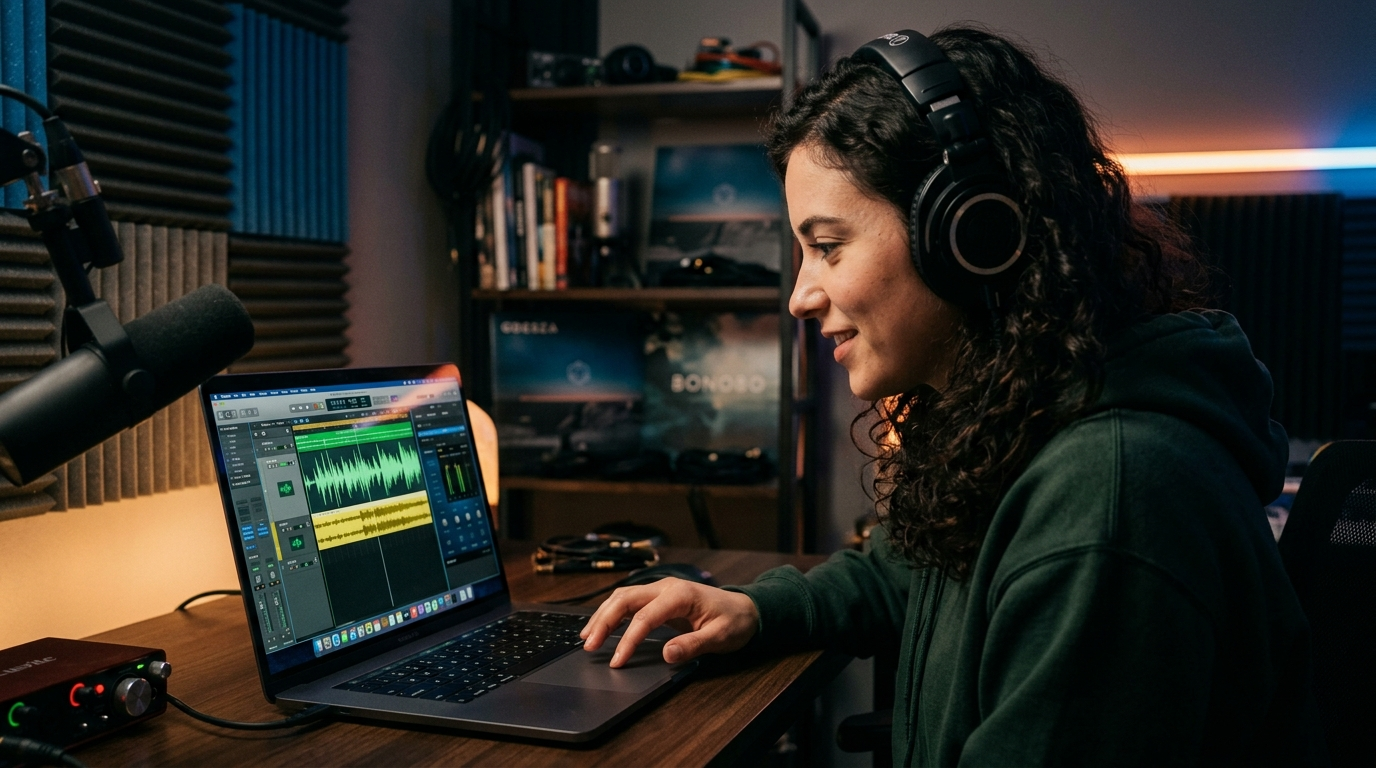
<!-- KEYTAKEAWAYS -->- Keep intro cues to 5–15 seconds: short loops retain attention and are easy to reuse across videos.- GoCrazyAI AI Song Generator produces original, exportable tracks powered by ElevenLabs with style, tempo, and mood controls.- Generate stems and instrumentals so you can match tempo and loudness to your edit without re-mixes.- Confirm commercial-rights details (ElevenLabs licensing) and document source prompts for transparency and DMCA safety.<!-- /KEYTAKEAWAYS --> Creators need tight, copyright-safe hooks that signal a brand in two beats. Use AI intro music to generate 5–15 second jingles and channel themes in minutes with GoCrazyAI's AI Song Generator. Start a prompt and export a ready-to-drop track—no library licenses required—by trying the AI Song Generator and iterating with tempo and mood.
Why modern creators choose AI for intro music (copyright, speed, and scale)
Creators pivot to AI intro music because it solves three recurring problems: copyright friction, time pressure, and the need to scale variations quickly. Traditional library tracks either require licensing checks or leave you exposed to Content ID matches; GoCrazyAI's AI Song Generator produces original tracks you can export and use, removing repeated licensing lookups.
Speed matters for short-form creators: instead of commissioning a composer or trawling libraries, you can generate multiple hook options in one session and pick the best-performing one. That speed drives experimentation — change tempo, swap a synth for an electric guitar, or ask for a vocal hook in seconds.
Scale is also practical: channels need theme variations for intros, outros, live streams, and ad spots. AI lets you create matching stems and loopable themes without hiring session players. Industry adoption backs this trend: roughly 60 million people used AI to create music in 2024, underlining how mainstream AI-assisted audio has become (EDM report)[https://edm.com/industry/60-million-people-used-ai-create-music-2024-ims-business-report/].
How to plan an effective 5–15 second shorts intro or channel theme (musical brief checklist)
Planning is the single best time-saver. Treat a 5–15 second intro like a micro-ad: clear branding goal, one dominant instrument, and a repeatable ending that leads into your video. Use this brief checklist when you call the AI:
- Goal: brand recognition, mood-setting, or immediate recognition? Pick one.
- Length: target 5–15s for Shorts and YouTube intros to avoid viewer drop-off (common creator guidance supports 5–15 second cues). See TunePocket's intro length guidance for reference[https://www.tunepocket.com/youtube-intro-music/].
- Instrumentation: choose one dominant texture (piano, pluck synth, electric guitar, small percussion) so the hook reads clean at low volumes.
- Tempo & key: pick BPM range (70–90 for relaxed brand, 100–130 for energetic, 140+ for hyper-energetic shorts).
- Hook: melody or lyric phrase (short vocal chop, single word brand shout, or hum).
- Reusability: request a loopable bar or stems so editors can cut the track without audible edits.
Working from a tight brief makes AI output predictable. Specify mood and a reference artist only if you want a strong stylistic cue — otherwise describe texture and tempo. The GoCrazyAI AI Song Generator responds best to concise prompts that include style, tempo, lead instrument, and use case (e.g., "5s energetic synth hook for Shorts intro, loopable").
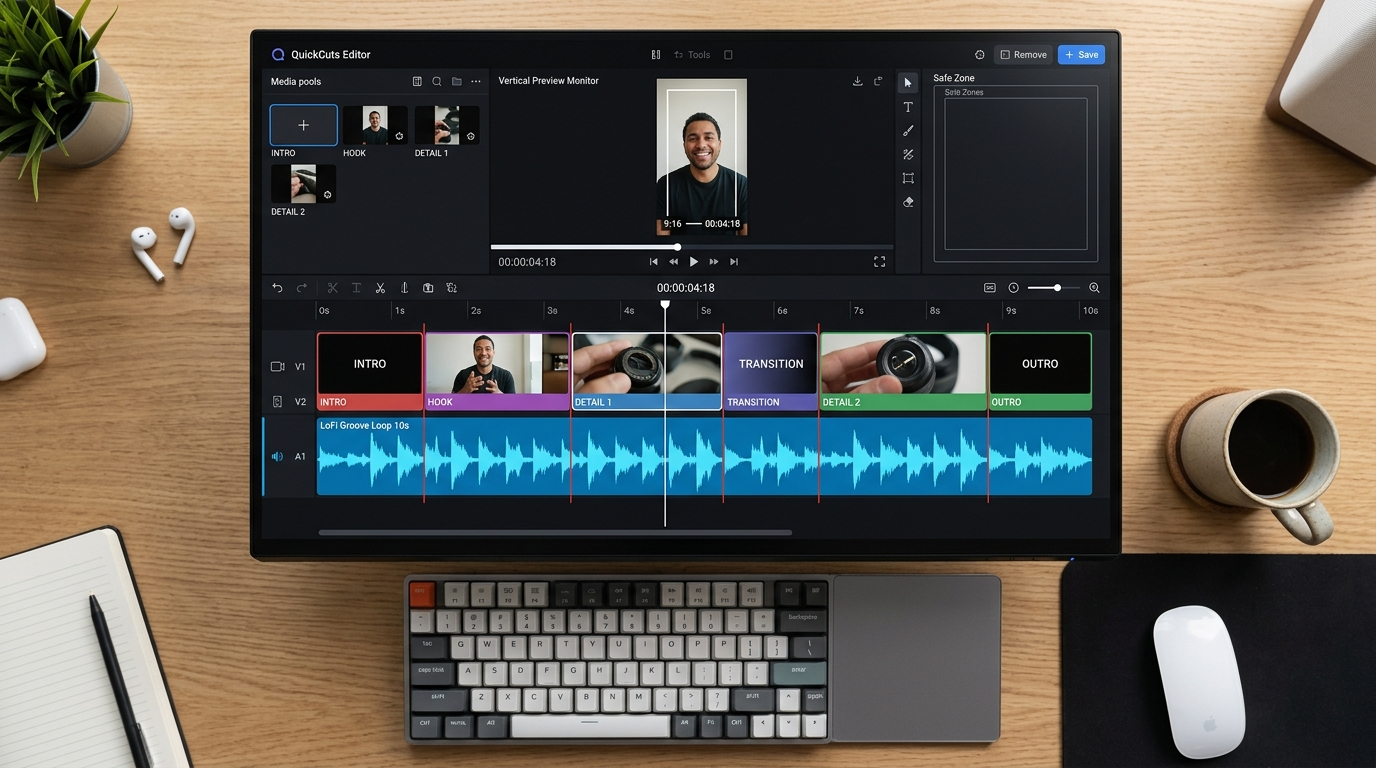
Hands-on: Generate a channel theme loop in GoCrazyAI — step-by-step workflow
This walkthrough shows a complete session using the GoCrazyAI AI Song Generator to create a 10-second theme loop suitable for a YouTube channel intro.
1) Open the AI Song Generator and choose "Instrumental" mode. Set the length to 10 seconds and select "loopable" in the options.
2) Prompt example: "10s loopable channel theme, warm analog synth lead, plucky arpeggio, tempo 110 BPM, bright major key, punchy kick on beats 1 and 3, low-pass filter on tails. Purpose: YouTube channel intro". Include the word "loopable" so the model prioritizes seamless endpoints.
3) Generate 3 variants. Listen for the hook and transient clarity — the best loop has a clean start and an ending that lines up beat-for-beat.
4) Export stems if available: lead, pads, percussion. Stems let you duck the music under dialogue or extend the loop cleanly in the editor.
5) Quick polish: use the Media Mixer (/ai-video-edit) to add the exported loop to an intro video, adjust loudness to -14 LUFS for web-friendly playback, then render a test short. If the loop feels too busy, regenerate with "simpler arrangement" or ask for "dry mix" in the prompt.
This workflow leverages the AI Song Generator's controls for style, tempo, and mood and demonstrates how quick iteration produces a ready-to-drop loop that integrates with your editing tools.
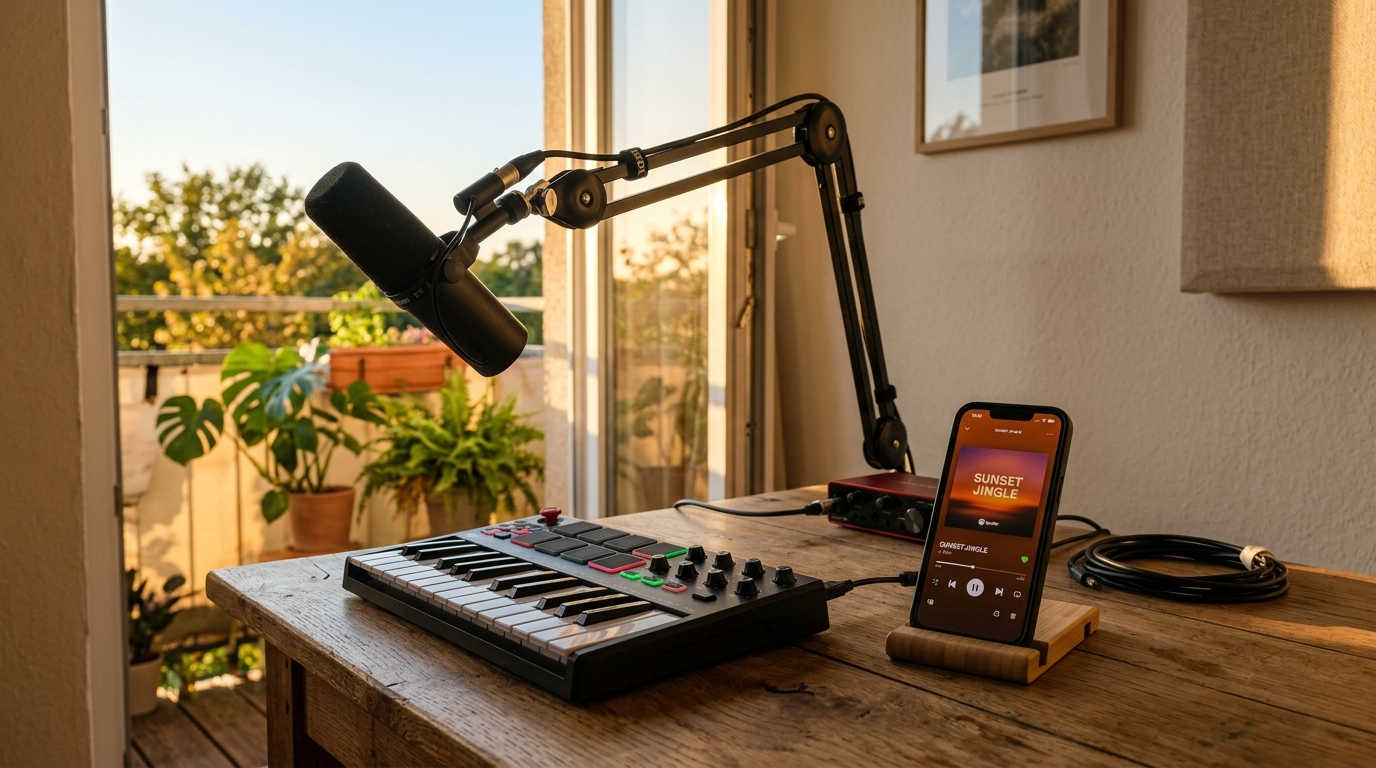
Hands-on: Create a 7–15 second shorts jingle with vocals (prompt examples & iteration tips)
Vocal jingles punch above purely instrumental intros because a sung hook is memorable in noisy feeds. Use these prompt patterns and iteration tips to create a short vocal jingle in GoCrazyAI's AI Song Generator.
Prompt template A (lyric-first): "7s vocal jingle: upbeat, female vocal harmony, lyric 'Catch the vibe', pop-snap percussion, 120 BPM, bright, mix for Shorts. Purpose: hook for trend video." This tells the generator the exact lyric to vocalize.
Prompt template B (melody-first): "10s vocal hook: hummed melody, male voice, warm baritone, syllable 'da-da' repeated, tempo 100 BPM, simple piano bed, loopable." Use this when you want a non-lyrical, brandable motif.
Iteration tips:
- If the vocal is too enunciated, add "washed reverb, soft articulation".
- Ask for "dry vocal stem" if you plan to run processing yourself in the editor.
- For clarity in Shorts, request "short tail, tight compression" so the hook reads at low listen volumes.
Worked example: Generate 3 variants with the lyric prompt. Pick the best, export stems, then use the AI Voices (/ai-voice) to clone a complementary spoken tag if you want to repeat your channel name before the video starts. Combining AI Song Generator vocals with a cloned voice tag creates a consistent sonic brand quickly.
Best practices for matching an AI-generated track to your edit (tempo, stems, and loudness)
Once you have an AI-generated track, match it to your edit using three levers: tempo alignment, stems usage, and loudness normalization.
Tempo: If your cut has rapid jump cuts, favor higher BPMs (100–140). Slow vlogs work with 70–95 BPM. Use the generator's tempo control so the hook naturally matches visual rhythm; if needed, time-stretch the loop by small amounts (±3–6%) rather than changing pitch.
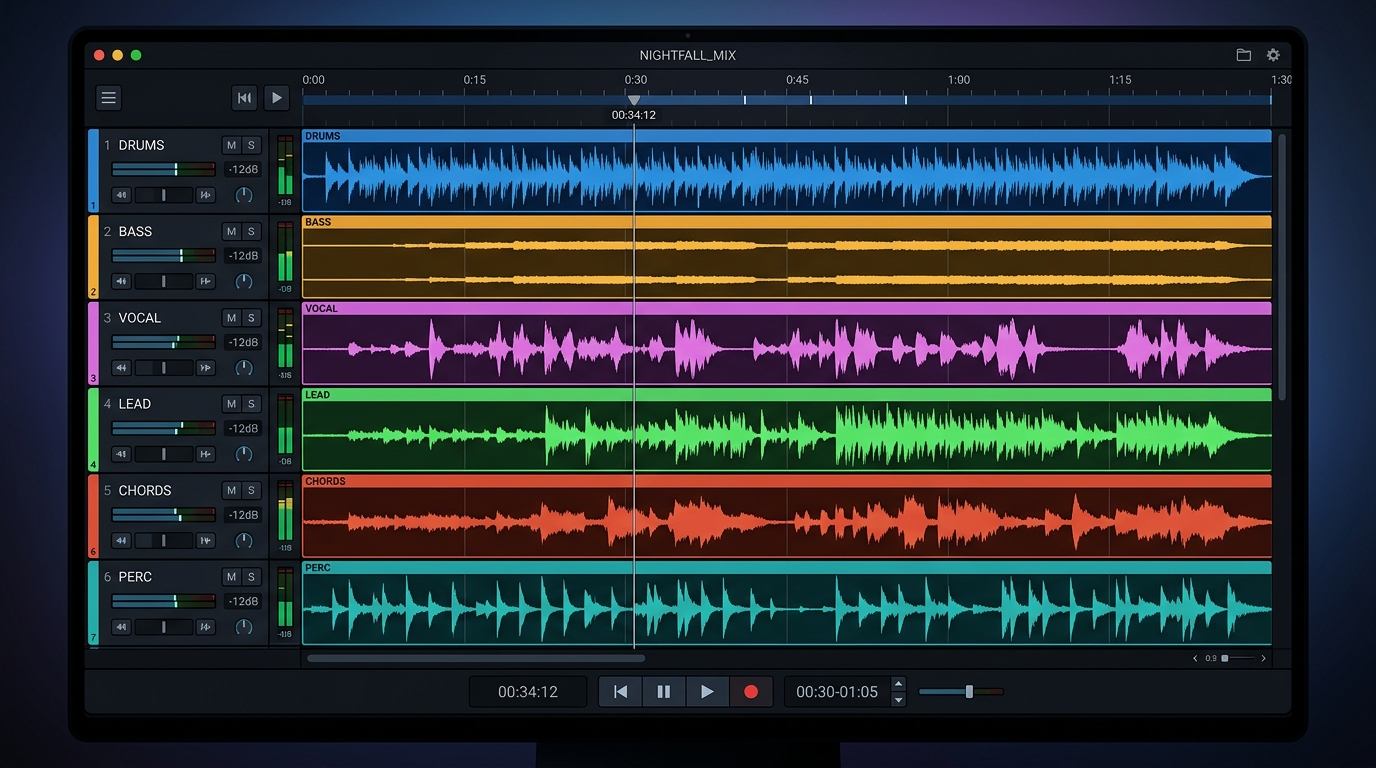
Stems: Always export stems when possible (lead, percussion, bass). Stems let you duck the music under dialogue, mute percussion for a softer section, or extend the loop by repeating an instrument-only bar. The GoCrazyAI AI Song Generator supports instrumentals and stem exports — use them to avoid destructive edits.
Loudness: Aim for -14 LUFS for YouTube and social platforms where speech is primary; louder masters can cause perceived clipping or platform normalization. Apply a light limiter and check the integrated loudness in your editor (Media Mixer /ai-video-edit helps here). If your track is too busy, regenerate with "simpler arrangement" or ask for an "instrumental stem only" to layer behind voiceovers.
Finally, test on phone speakers and earbuds. Short-form viewers consume on mobile; ensure the lead melody cuts through compressed low-fi playback.
Legal & ethical checklist: copyright, model training, and commercial rights for AI music
Legal questions are top of mind for creators and musicians. A PRS For Music–commissioned survey found about four in five musicians were worried about AI music and training uses, underscoring the sensitivity around model training and rights[https://www.musicradar.com/music-tech/it-is-clear-why-creators-are-concerned-tech-firms-train-models-on-copyrighted-works-without-permission-four-in-five-musicians-are-worried-about-ai-music].
Practical checklist for creators:
- Confirm commercial rights: GoCrazyAI's AI Song Generator is powered by ElevenLabs technology; ElevenLabs has publicized commercial-rights licensing for its music product, which supports creator use in monetized projects (Tom's Guide coverage)[https://www.tomsguide.com/ai/elevenlabs-reveals-ai-music-generator-and-it-has-full-commercial-rights].
- Keep prompt records: save the prompt and generation metadata for each track in case of future provenance questions.
- Avoid asking for verbatim recreations: don't prompt to "sound exactly like" a living artist — this raises moral and legal issues.
- Check platform rules: for example, YouTube's music eligibility and rules for Shorts and monetization can affect reuse; review platform help pages before publishing[https://support.google.com/youtube/answer/13486873?hl=en].
Ethically, credit collaborators and be mindful of how your use of AI affects working musicians in your niche. Combining AI-generated tracks with human performance, or commissioning small paid tweaks, is a pragmatic way to support creators while scaling your brand themes.

Integrating GoCrazyAI output into your content stack and conversion path (templates, CTAs, and repurposing)
A small system turns one generated hook into dozens of assets: intros, lower-thirds beds, ad cuts, and ringtone versions. Use this four-step template to integrate AI Song Generator output into your workflow:
1) Generate: Create 3-5 variations of the hook (different tempos, one with vocals, two instrumental). 2) Export stems: save lead, percussion, and vocal stems separately so editors can remix across formats. 3) Package assets: produce a 5s intro, a 10s loop, and a 30s variant for ads. 4) Repurpose: strip to a 1–2s sonic logo for autoplay previews or use the vocal hook as a voicemail or live-stream overlay.
For editing, use GoCrazyAI's Media Mixer (/ai-video-edit) to layer voiceover, music, and subtitles and render platform-ready outputs in one click. If you need visual branding that matches the new sonic identity, generate cover images or thumbnails with the AI Image Generator (/ai-image-generator) using the same mood words you used in the music prompt to maintain consistent aesthetics.
Monetization and conversion: A consistent sonic brand boosts retention and recognition—use the generated jingle in the first 1–2 seconds of videos and place a short CTA audio sting before end screens. To test what works, A/B different tempos and vocal vs instrumental hooks across a small sample of uploads; iterate on the variant with the best 10–30s retention lift. Industry analysis of 123,000 AI-generated songs shows creators value short-form, reusable loops — this pattern supports using AI for repeatable channel themes[https://neume.io/blog/what-123000-ai-generated-songs-reveal-about-ai-music?utm_source=openai].
Frequently Asked Questions
Can I use AI-generated intro music for monetized YouTube videos?
Yes—GoCrazyAI's AI Song Generator produces original tracks powered by ElevenLabs and is designed for export with commercial-rights coverage; always save your prompt and generation metadata.
What length is best for a Shorts intro jingle?
Keep it between 5–15 seconds; shorter cues maintain viewer attention and are easier to loop across formats.
Should I export stems or a stereo mix?
Export stems when possible. Stems give you control over ducking, rebalancing, and repurposing the hook without re-generating the full track.
How do I avoid sounding like another artist?
Use descriptive prompts (mood, instrument, texture) and avoid instructing the model to copy a living artist verbatim; request originality in the prompt.
Conclusion
AI intro music makes it realistic for small teams to own a sonic identity without long lead times or licensing hassle. Start by writing a tight brief, use the GoCrazyAI AI Song Generator to iterate quickly, and export stems for flexible editing. Pop a vibe into the AI Song Generator and you'll have a track to score the cut in minutes.
Sources
- 60 Million People Used AI to "Create" Music in 2024 - IMS Business Report (EDM)edm.com ↗
- ElevenLabs reveals AI music generator — and it has full commercial rights (Tom's Guide)tomsguide.com ↗
- ElevenLabs - Wikipedia (Eleven Music launch details)en.wikipedia.org ↗
- "Four in five musicians are 'worried' about AI music" — PRS For Music survey coverage (MusicRadar)musicradar.com ↗
- Best Intro Music For YouTube (TunePocket) — guidance on short cue length and selectiontunepocket.com ↗
- How to make a YouTube intro video (Clipchamp Blog) — practical tips for matching music to an introclipchamp.com ↗
- What 123,000 AI Songs Reveal About How People Make Music With AI (Neume)neume.io ↗
- YouTube Help — Music eligibility for YouTube Shorts (policy/format notes)support.google.com ↗
- Best AI Music Generators of 2025 (The AI Rankings) — market context and ElevenLabs notetheairankings.com ↗