

Media Mixer
Media Mixer guides & tutorials
Everything we've published on media mixer — how-to articles, model comparisons, and workflow guides for creators using GoCrazyAI.
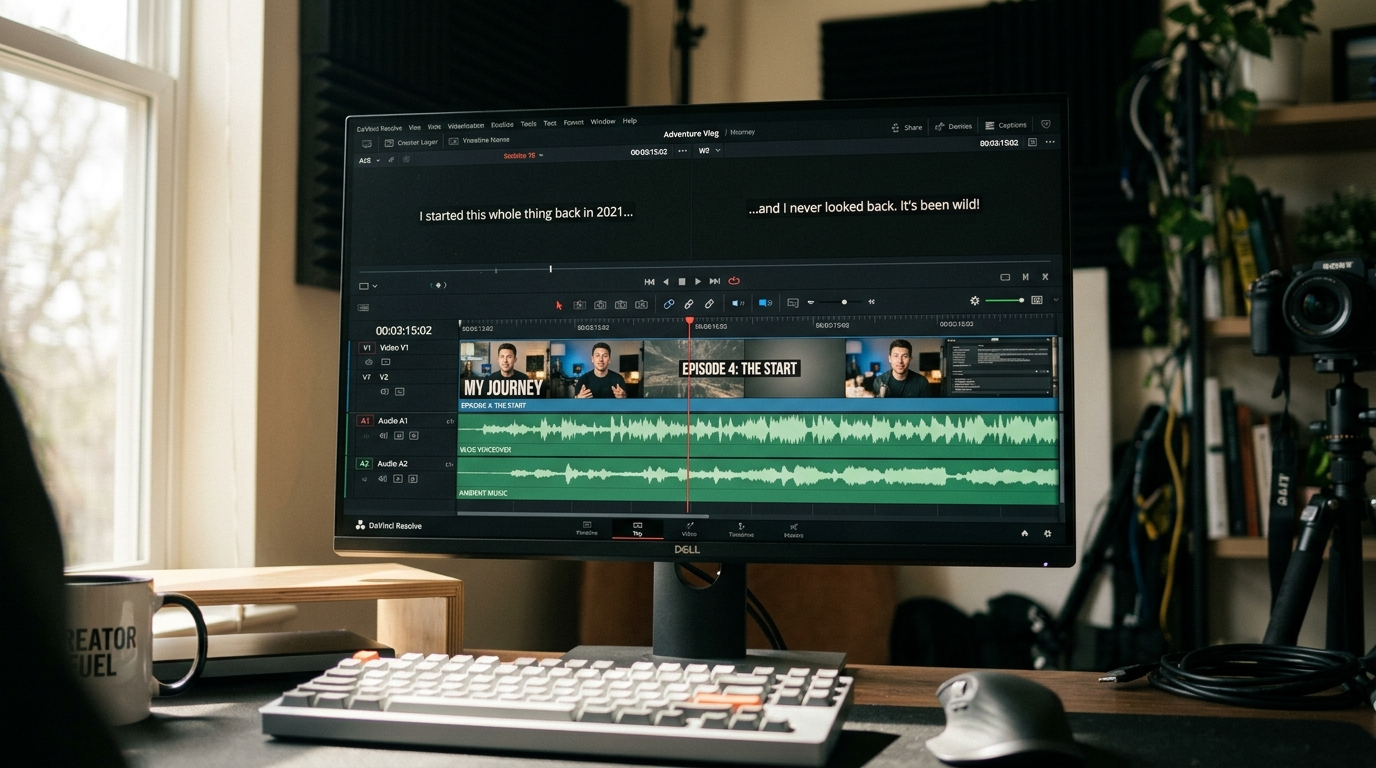
Add voiceovers, music, sound effects, subtitles, and overlays to your AI-generated videos — export in one click.
What Media Mixer actually does
- Adds voiceover and music to AI videos
- Generates and burns in subtitles automatically
- Layers text and overlays on top of generated footage
- Exports a single ready-to-publish file
Who it's for
- Creators finishing AI videos without leaving the platform
- Marketers polishing AI-generated ads
Where Media Mixer fits in your workflow
- Adding a voiceover to a Veo or Sora clip
- Burning subtitles into a TikTok export
- Overlaying brand text on a product reveal
Why creators choose it
- All post-production stays in one tool
- Subtitles, music, and voiceover from one panel