


Thumbnail AI Generator: Turn One Photo into High-CTR Thumbnails and Hero Images (2026)
Learn how to create conversion-driving thumbnails and hero images from a single photo with GoCrazyAI's AI Image Generator—workflows, prompts, and A/B testing.
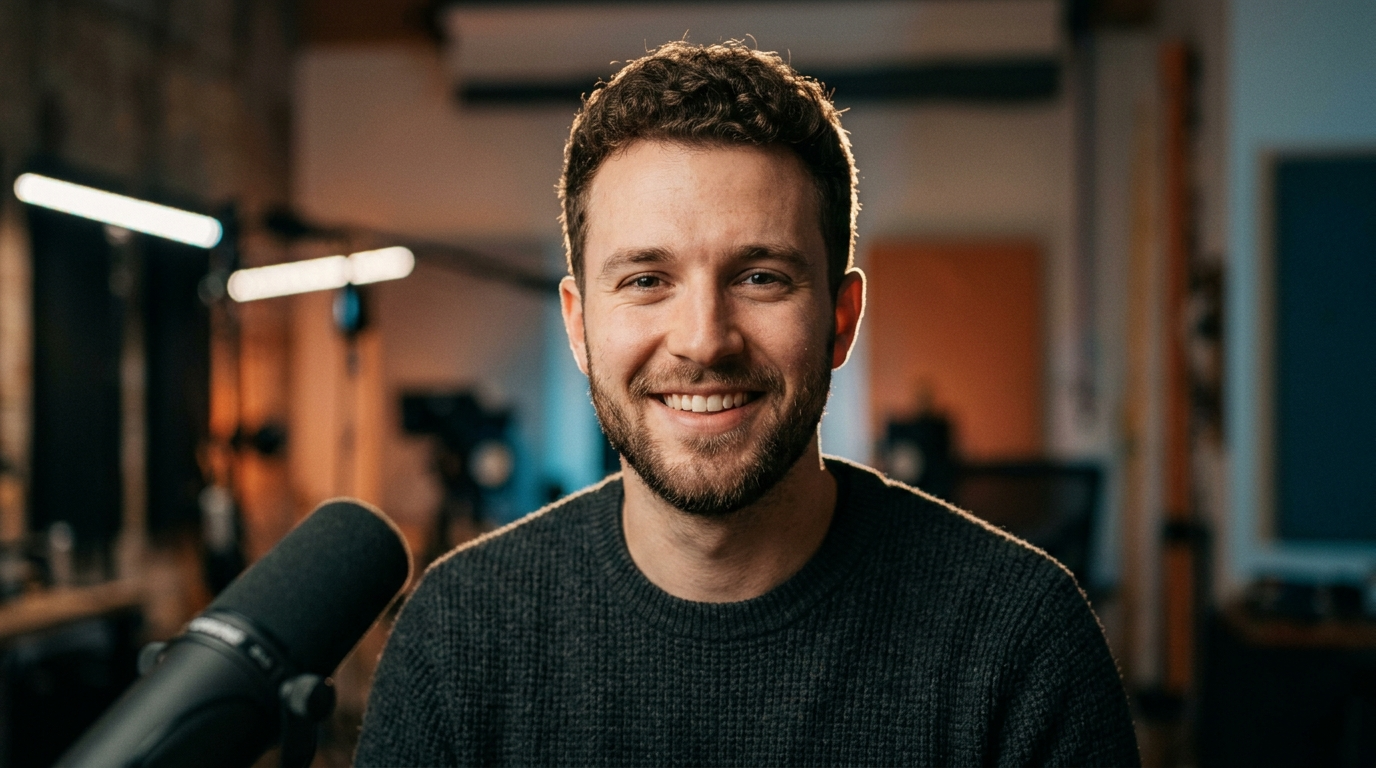
<!-- KEYTAKEAWAYS -->- A single photo can generate dozens of on-brand thumbnails using GoCrazyAI AI Image Generator and model switching for speed and consistency.- Use Nano Banana for subject retouch, Seedream 4 for clean text and high-res hero images, and Kaneko Gen Pro for bold stylized thumbnails.- Hybrid workflows (AI edits + small manual tweaks) produce the best CTR lift; test variations in batches and read lift with control thumbnails.- Save and iterate: GoCrazyAI’s library and variation feature lets you record visual experiments and roll winning frames into video with the AI Video Generator.- Measure true impact by running paired A/B tests and tracking CTR, watch time, and conversion lift rather than impressions alone.<!-- /KEYTAKEAWAYS --> A creator stares at a single, imperfect photo: a candid headshot from a livestream, a product studio snap, a game character render. In twenty minutes that same image can become three distinct thumbnails and a hero image tuned to raise click-through rate. The trick is not magic — it’s using the right model and a repeatable workflow in an image-first tool like GoCrazyAI AI Image Generator. Start by uploading your reference photo into the AI image generator and pick a model that matches the job: Nano Banana for realistic retouching, Seedream 4 for crisp text and marketing assets, or Kaneko Gen Pro for stylized posters.
This article shows why thumbnails still move the needle, which model to pick, step-by-step workflows for turning one photo into dozens of testable thumbnails, concrete prompt templates, and A/B tactics to measure CTR lift. You’ll get worked examples, exact prompts, and settings for GoCrazyAI AI Image Generator so you can ship test creatives today.
Why thumbnail and hero-image quality still drives CTR (what the data says)
Thumbnails are not decoration — they are distribution levers. Large dataset analyses show a measurable relationship between thumbnail composition and viewer behavior: a ThumbAI analysis of 10,000+ YouTube thumbnails found AI-optimized thumbnails can push CTR into the 6–10% range compared with lower baselines (depending on category and audience)[https://www.thumbai.dev/blog/do-thumbnails-really-matter-youtube-ctr]. Broader visual research across nearly 500,000 thumbnails confirms composition, facial expression, and readable text correlate strongly with consumption behavior and engagement metrics[[https://www.sciencedirect.com/science/article/pii/S0268401224000495]].
For creators and marketers this means thumbnail work is measurable marketing. Small improvements compound: a 1–2 percentage point increase in CTR on a video or ad running at scale can translate to materially more views, cheaper CPV/CPA, and higher downstream conversions. That’s why the time you spend converting a single photo into multiple, targeted thumbnails is an investment: you’re optimizing the first moment of user attention. Use A/B tests to confirm wins: impressions alone don’t tell the story — CTR, watch time, and conversion rate do. Later sections walk through how to set up those experiments using GoCrazyAI’s output and library features.
Choosing the right image model for the job: Nano Banana vs Seedream 4 vs Kaneko Gen Pro
Not every AI model is equal for every thumbnail task. With GoCrazyAI AI Image Generator you can pick Google Nano Banana, Seedream 4, or Kaneko Gen Pro depending on the outcome you need. Briefly: Nano Banana specializes in subject-aware, realistic edits and retains photo fidelity; it’s the go-to when you start from a single portrait and need lifelike retouching. Seedream 4 leads for text rendering and high-resolution marketing assets, which makes it excellent for hero images, splash banners, and thumbnails that include big readable headlines; buyers and tool reviewers cite Seedream 4’s advantage on marketing-style outputs[[https://www.techradar.com/ai-platforms-assistants/tiktok-creators-new-ai-image-generator-is-the-best-ive-ever-seen-and-its-terrifying]]. Kaneko Gen Pro is the model of choice when you want bold stylization — comic-book contrast, color grading, or thematic posters that stand out in feeds.
Choosing a model is not only about style; it’s about workflow efficiency. Start with Nano Banana to clean and retouch the subject, export a few base variations, then run those bases through Seedream 4 to add crisp headline text and clean backgrounds for hero images. For high-contrast, eye-catching thumbnails run a Kaneko Gen Pro pass and then a quick relight. GoCrazyAI AI Image Generator makes switching models and saving variations easy, so you can iterate fast without rebuilding from scratch.
From photo to thumbnail: a 6-step hands-on workflow using GoCrazyAI AI Image Generator
This section lays out a repeatable 6-step workflow that turns one uploaded photo into test-ready thumbnails and hero images using the GoCrazyAI AI Image Generator.
1) Upload and tag your source photo: Add metadata (video title, episode number, product SKU) so variations are trackable. Use Nano Banana for the first pass to preserve skin tone and subject detail.
2) Frame and crop to target aspect ratios: Export at 16:9 (YouTube), 1:1 (IG grid), 4:5 (IG feed), and 9:16 (shorts preview). GoCrazyAI outputs the aspect ratios social platforms need, which removes manual resizing errors.
3) Retouch subject-focused versions: Prompt Nano Banana for subtle blemish removal, sharper eyes, and boosted contrast while keeping the look natural.
4) Generate headline variants with Seedream 4: Apply three headline styles—direct, curiosity, and benefit—using the same base image to isolate the headline’s effect on CTR.
5) Produce stylized alternatives with Kaneko Gen Pro: One bold stylized option per headline to test whether color and dramatized expression drive higher clicks.
6) Save variations and export for testing: Save all images to GoCrazyAI’s library, tag them with test names, and export asset packs for upload to your platform’s A/B test tool.
This workflow is designed for scale: you can batch the same six steps for dozens of videos or products in an hour, then use the A/B tactics described later to read lift. The next section explains concrete retouch prompts to make faces and products pop.
Retouch and polish: AI tools and prompts to make faces and products pop
Retouching is where a single photo becomes a thumbnail that cuts through noise. With GoCrazyAI AI Image Generator, you can script retouch prompts that target eyes, teeth, skin, color pop, and reflections while preserving realism. Start with Nano Banana for subject edits — it is strong at subject-aware retouching that keeps expressions intact.
Core prompt patterns to try (short templates):
- "Enhance portrait: natural skin smoothing, sharpen eyes, brighten teeth, maintain pores, studio rim light" — use Nano Banana for the most realistic output.
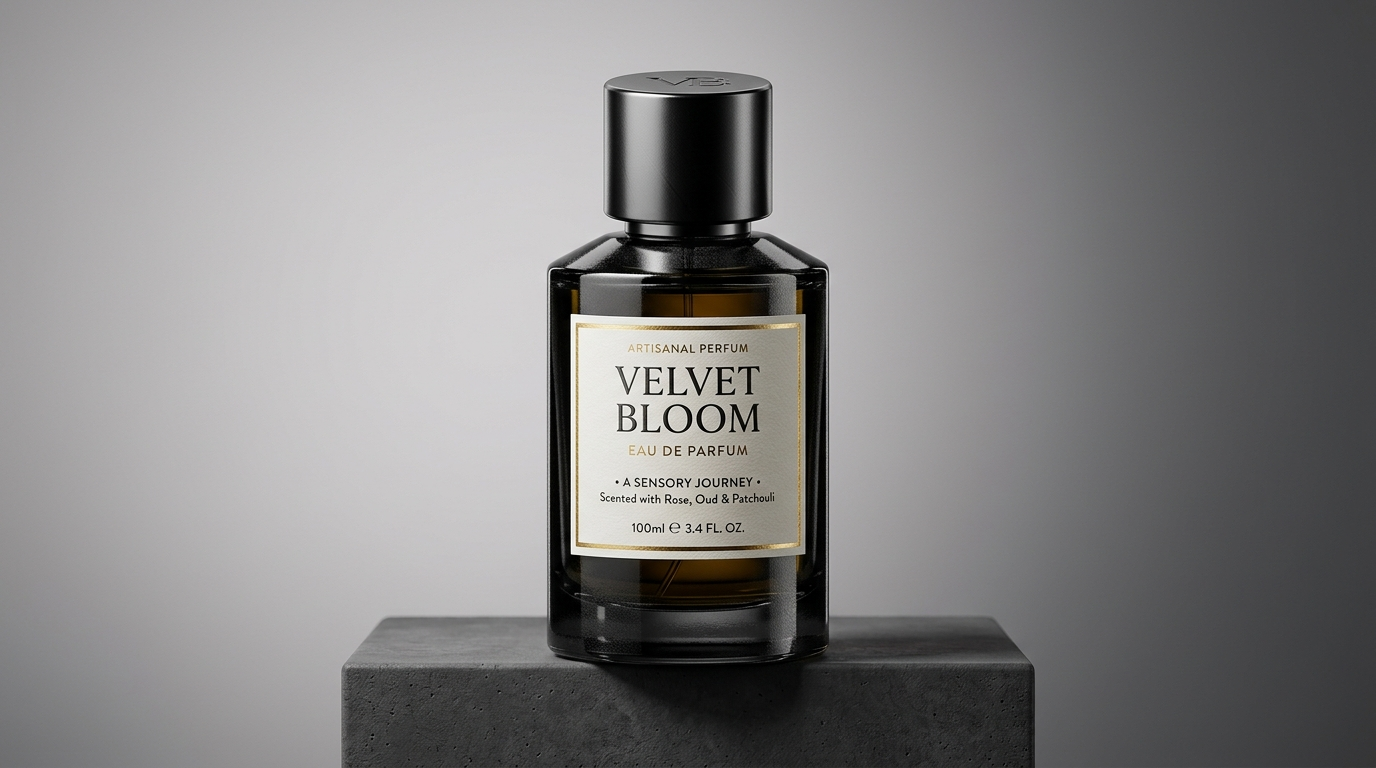
- "Product retouch: remove background distractions, increase texture detail, add subtle specular highlights, neutral gray background" — use Kaneko Gen Pro or Seedream 4 depending on style.
- "Pop color: desaturate background slightly, increase subject saturation +12, warm tones +6, boost contrast for thumbnail clarity" — works across models but seed with Nano Banana for accurate color transfer.
Combine model strengths: run a Nano Banana pass for facial fixes, then a Seedream 4 pass to add clean headline text and sharp marketing edges. If you need studio lighting effects without a shoot, use GoCrazyAI AI Image Relighting (/relight-image) to apply golden-hour or dramatic studio light in a follow-up pass. Finally, use the Image Upscaler (/image-upscaler) for social channels that demand crisp high-res hero images.
These small, targeted edits create a professional finish without a designer and preserve important cues that drive clicks: eye contact, expressive faces, and legible headline contrast.
Designing hero images for landing pages and ads (templates + on-brand color/grids)
Hero images for landing pages and ads require different priorities than thumbnails: readable headline area, brand-safe color palette, and composition that supports a call-to-action. Seedream 4’s strength in text rendering and high-res output makes it the right model for hero assets when you need crisp typography and pixel-perfect spacing.
Start with a template grid: left-third subject, right-two-thirds headline and CTA; or center-subject with top headline band and bottom CTA. Use brand color tokens (hex codes) in your prompt: "Apply brand palette: #FF5A5F accents, #0A192F background; place large sans headline top-right; ensure 24–36 pt readable text at export scale." Seedream 4 is superior for holding those layout constraints and keeping the type legible at different sizes[[https://www.techradar.com/ai-platforms-assistants/tiktok-creators-new-ai-image-generator-is-the-best-ive-ever-seen-and-its-terrifying]].
Keep a small library of hero templates in GoCrazyAI by saving variations to your project library. Export a hero pack at 1200–1600 px width for landing pages and a 1200×628 px ad version for social ad networks. If the image starts from a single photo, use Nano Banana first to clean the subject, then seed that cleaned frame into Seedream 4 with the layout instructions. That hybrid approach delivers brand-safe, high-conversion hero images quickly.
Batch generation and rapid iteration: A/B test thumbnails at scale with GoCrazyAI
One advantage of an AI-driven workflow is the ability to generate many variants quickly and test them. Use GoCrazyAI’s variation and library features to create batches: pick a base, generate three headline variants, produce two lighting variations, and make one stylized thumbnail — that’s 6 images per base photo. Repeat for multiple videos or products to build a statistically meaningful experiment.
Practical batching tips:
- Standardize naming and tags: include video ID and test variant in filenames to map back to analytics.
- Keep one control image (your current thumbnail) per test to isolate the effect of AI changes.
- Run tests for a minimum of 24–72 hours and collect CTR and watch-time data; longer runs reduce noise.
GoCrazyAI saves variations to your library so you can roll winning frames directly into video production with the AI Video Generator or prepare a 4K hero export with the AI Image Upscaler. That end-to-end handoff turns a single photo into a visual funnel: thumbnail to landing hero to promo video.
Accessibility, copyright and ethical checks before publishing AI-edited images
Before you publish any AI-edited image, run quick checks for accessibility, copyright risk, and ethics. Accessibility: ensure headline text meets contrast requirements (WCAG AA) and include descriptive alt text — alt text also helps platform discovery. Copyright and likeness: if the source photo includes a person, confirm you have a model release or the rights to use their likeness, especially for commercial ads. If you use public figures or branded logos, treat the edit as if a legal review may occur.
For ethical clarity, avoid edits that materially misrepresent individuals (for example, adding a fabricated action or quote). Use GoCrazyAI’s tools to keep edits transparent: save iterative history in the project library and keep original photo metadata. If you used a reference style that imitates a living artist, prefer stylized cues over direct copying. These checks minimize downstream takedowns or trust issues that can negate any CTR gains.
Measuring results: metrics, experiments, and how to read CTR lift from thumbnail changes
Measuring a thumbnail’s impact requires running controlled experiments. The core metric is CTR — clicks divided by impressions — but you must pair CTR with engagement metrics like watch time and conversion to avoid false positives (an eye-catching but misleading thumbnail may raise CTR but reduce watch time).
Experiment design basics:
- Control vs variant: always compare against a control (your current best thumbnail).
- Sample size and runtime: for YouTube or large ad campaigns, run until each variant reaches a minimum number of impressions or clicks to reduce noise. Small channels will need longer runs.
- Metric set: report CTR, average view duration (or bounce rate on landing pages), and conversion rate. A useful rule: a CTA lift with no watch-time drop is a cleaner win.
Interpretation: a sustained CTR increase of 1–2 percentage points on a high-volume asset is often meaningful. Use GoCrazyAI’s library versioning to tag winning assets and propagate them to related videos, hero images, or ad sets. If you need faster creative iteration, combine image outputs with the AI Video Generator to test whether the same visual language lifts video views as well.
Step-by-step example: create a YouTube thumbnail from a photo using GoCrazyAI (with exact prompts and settings)
Direct answer (40–60 words): Upload your photo, run a Nano Banana retouch pass, crop to 16:9, generate headline variants with Seedream 4, and save three exports to run an A/B test. Use readable typography, strong eye contact, and high contrast for best CTR performance.
Full worked walkthrough (exact prompts and settings): 1) Upload: Add your base photo to GoCrazyAI AI Image Generator and label it "YT-Base-001". Select model = Nano Banana. 2) Retouch pass (Nano Banana): Prompt: "portrait retouch, natural skin smoothing, sharpen eyes, brighten teeth slightly, preserve pores and expression, studio rim light, keep original hair detail". Settings: Strength 0.45, Preserve original color 85%, Aspect 16:9 crop. Generate 3 variations and save. 3) Background clean (optional): Prompt: "remove background distractions, neutral soft gradient, faint vignette". Model: Nano Banana. Generate 2 variations. 4) Headline variants (Seedream 4): For each cleaned image, run Seedream 4 with one of these prompt templates:
- Direct: "Add bold white headline top-right: 'How I Edited My Podcast Cover' — large sans, black stroke, 2-line max, high contrast, 16:9 thumbnail composition."
- Curiosity: "Add bold yellow headline bottom-left: 'This One Edit Changed Everything' — readable at mobile sizes, heavy drop shadow."
- Benefit: "Add concise green headline top-left: 'Increase CTR 2x' — include small logo bottom-right, maintain negative space for face."
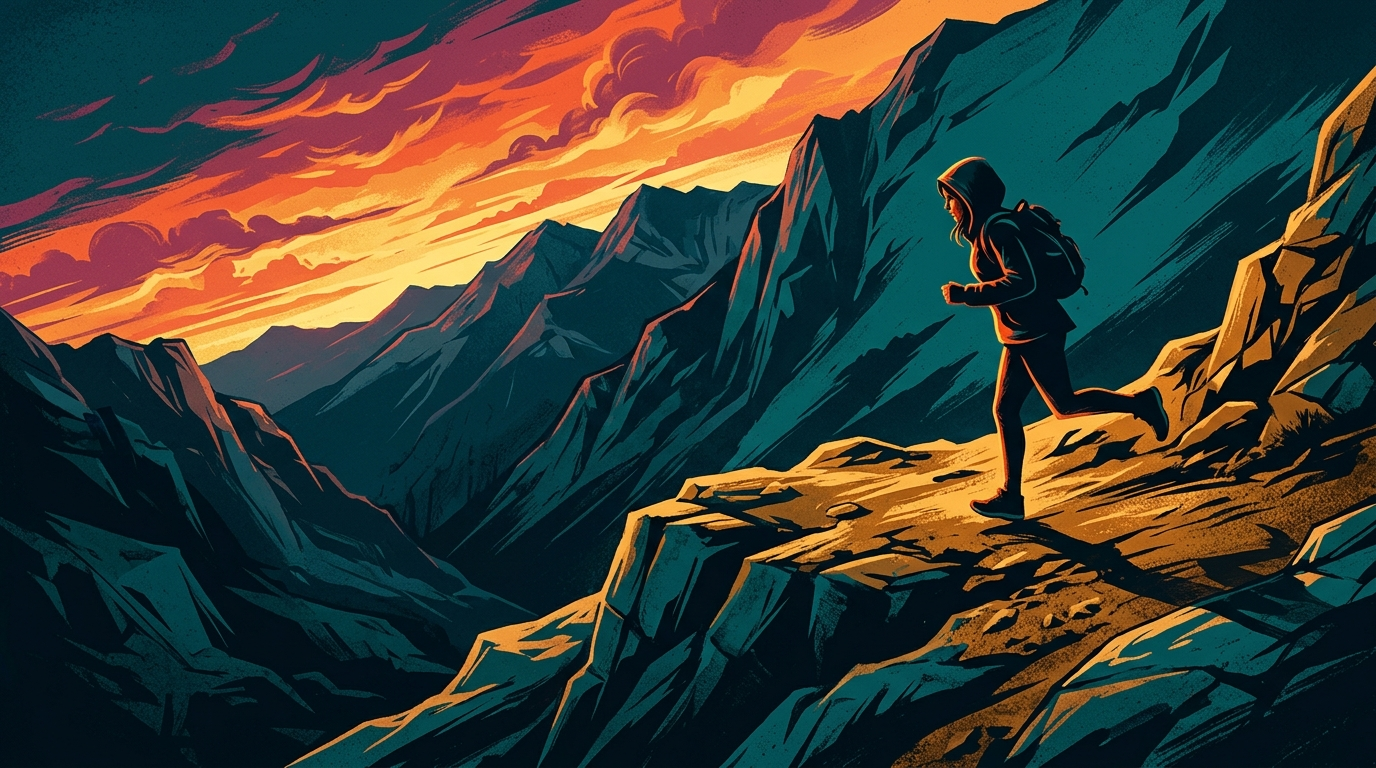
Settings: Model = Seedream 4, Text clarity high, Font style = Sans Bold, Padding 8%, Export resolution = 1920×1080. 5) Stylized variant (Kaneko Gen Pro): For the most eye-catching test, run one image through Kaneko Gen Pro with: "High-contrast poster style, cinematic color grade, saturated teal shadows, warm highlights, sharpen eyes and add rim light." Export at 1920×1080. 6) Upscale and final polish: Use GoCrazyAI Image Upscaler (/image-upscaler) to export final assets at 2x for retina displays. Add alt text and descriptive metadata when you upload to YouTube.
Run an A/B test against your current thumbnail: upload the three variants, keep the same title and description, and run for 48–72 hours or until each image reaches meaningful impressions. Track CTR, Average View Duration, and subscriber actions. Save the winner to your GoCrazyAI library and reuse its style as a template for future videos.
This example uses specific capabilities of the GoCrazyAI AI Image Generator — model switching, prompt-based edits, export at social aspect ratios, and library saves — to turn one photo into testable, high-conversion assets. Many creators find the hybrid Nano Banana -> Seedream 4 -> Kaneko Gen Pro flow produces the clearest wins.
Frequently Asked Questions
Can I use a single photo for multiple aspect ratios without losing composition?
Yes. Upload the original photo to GoCrazyAI AI Image Generator, use the crop and framing tools, and export at social aspect ratios. The generator maintains subject-aware composition to keep the subject on-model.
Which model should I choose to get readable headline text on thumbnails?
Seedream 4 is best for text rendering and high-res marketing assets. Use Seedream 4 for headline passes after cleaning the subject with Nano Banana.
Will AI edits require manual touch-ups in Photoshop?
Often a hybrid approach is fastest: AI does most of the heavy lifting, and a quick manual tweak (cropping, tiny mask cleanup) can perfect the final asset.
Conclusion
You don’t need a full photoshoot or a designer to turn one photo into dozens of test-ready thumbnails and hero images. Use GoCrazyAI AI Image Generator to retouch with Nano Banana, build crisp headline versions with Seedream 4, and push stylized alternatives with Kaneko Gen Pro—saving variations to test and scale. Start by running the six-step workflow on a single reference photo, save all variations to your GoCrazyAI library, and run paired A/B tests to measure CTR and conversion lift. Spin up your first frame in the AI Image Generator — keep refining the prompt until the look is yours.
Sources
- Do Thumbnails Really Matter? The YouTube CTR Data Analysis 2024 (ThumbAI)thumbai.dev ↗
- Towards AI-based thumbnail design for fostering consumption on digital media platforms (ScienceDirect, 2024)sciencedirect.com ↗
- Step aside Nano Banana, Seedream 4.0 is the best AI image generator I've ever seen - TechRadartechradar.com ↗
- Adobe Express — AI Thumbnail Generatoradobe.com ↗
- 7 Best AI YouTube Thumbnail Generators to Try in 2026 (GrowthOS)growthos.in ↗
- Nano Banana goes Pro with refined design consistency and accuracy (Android Central)androidcentral.com ↗
- AI Thumbnail Makers: Boost CTR [2026] (Fluxnote guide)fluxnote.io ↗
- Genso AI — Model catalog (shows Seedream, Nano Banana availability)gensoai.io ↗
- Automatic YouTube-Thumbnail Generation and Its Evaluation (CiNii / ACM paper)cir.nii.ac.jp ↗